




v3.424 Release Notes 8th July 2026
NEW
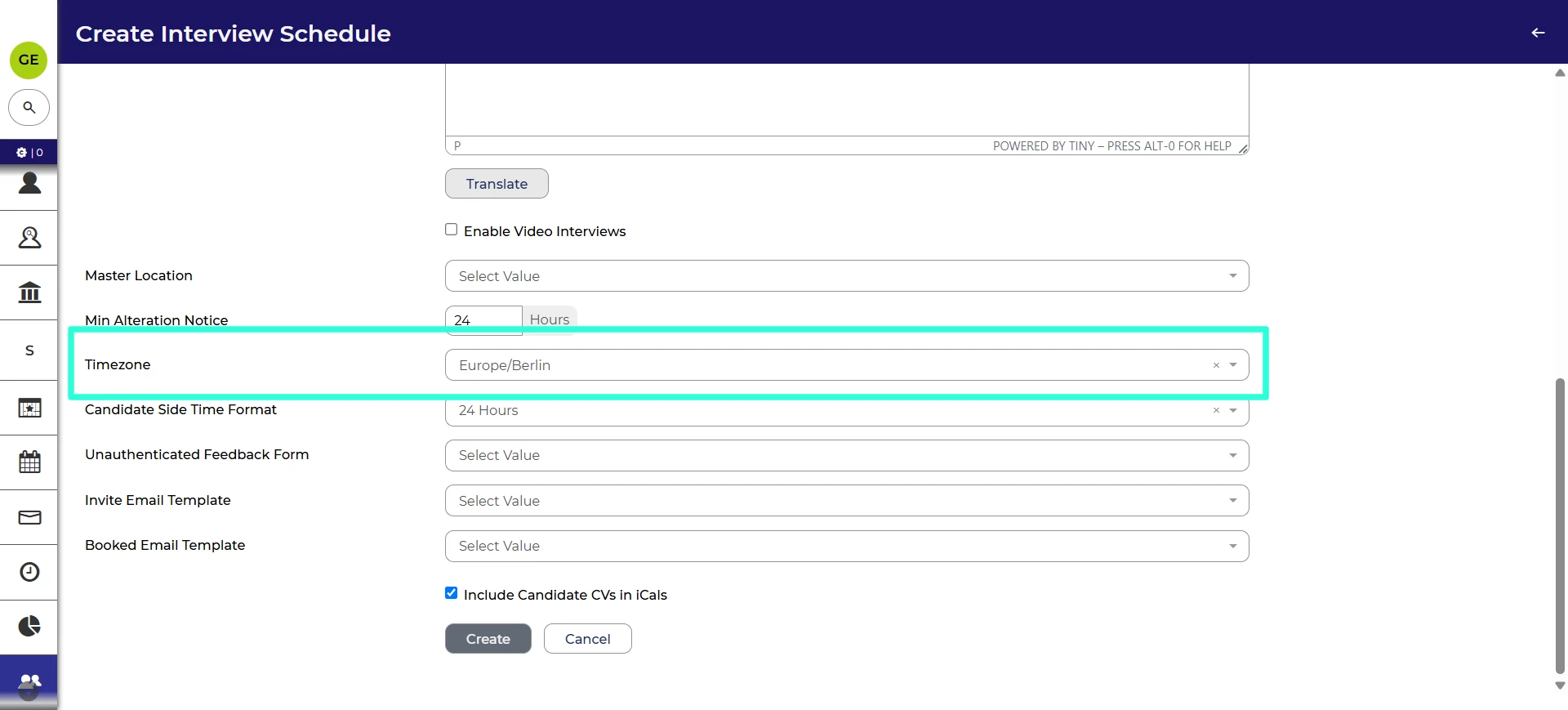
Interview timezone defaults 💡
We’ve made a change to the default timezone when setting up interviews. Now, if the user has a timezone set in their personal settings, this will be the default timezone when creating an interview. If the user hasn’t set a timezone for themselves, the system setting will be the default.
This helps teams that are spread across the globe easily choose the correct time for an interview.
To change your account’s time zone, follow our Personalising your account settings user guide.
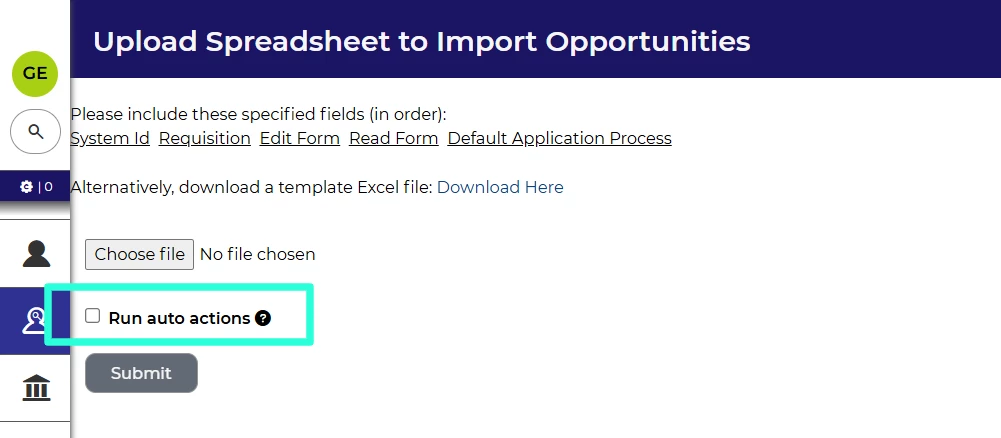
Auto-process actions when importing vacancies
We’ve introduced a new ability to run process actions on vacancies when they are imported into the system. Your system will need to have a default vacancy process set. By enabling the checkbox when importing, the vacancies will be imported to the initial status of the default vacancy and any process actions will run.
FIXES
Fixed display issue for certain table layouts 💡
We’ve fixed an issue with table layouts showing selections. Certain values were not displaying when filtering on columns. Now, the values will show in the table layout.
These changes were released on 8th July 2026 in version 3.424
💡 The lightbulb icon indicates the feature was based on customer feedback
⚙️ The gear icon indicates a configurable change.
All new features and fixes will automatically appear in your system, unless they are marked as a configurable change. To have a configurable change applied to your system please speak to your Customer Success representative or email customersuccess@oleeo.com. You can also raise a Change Request case in the portal.