




v3.431 Release Notes 4th November 2026
NEW
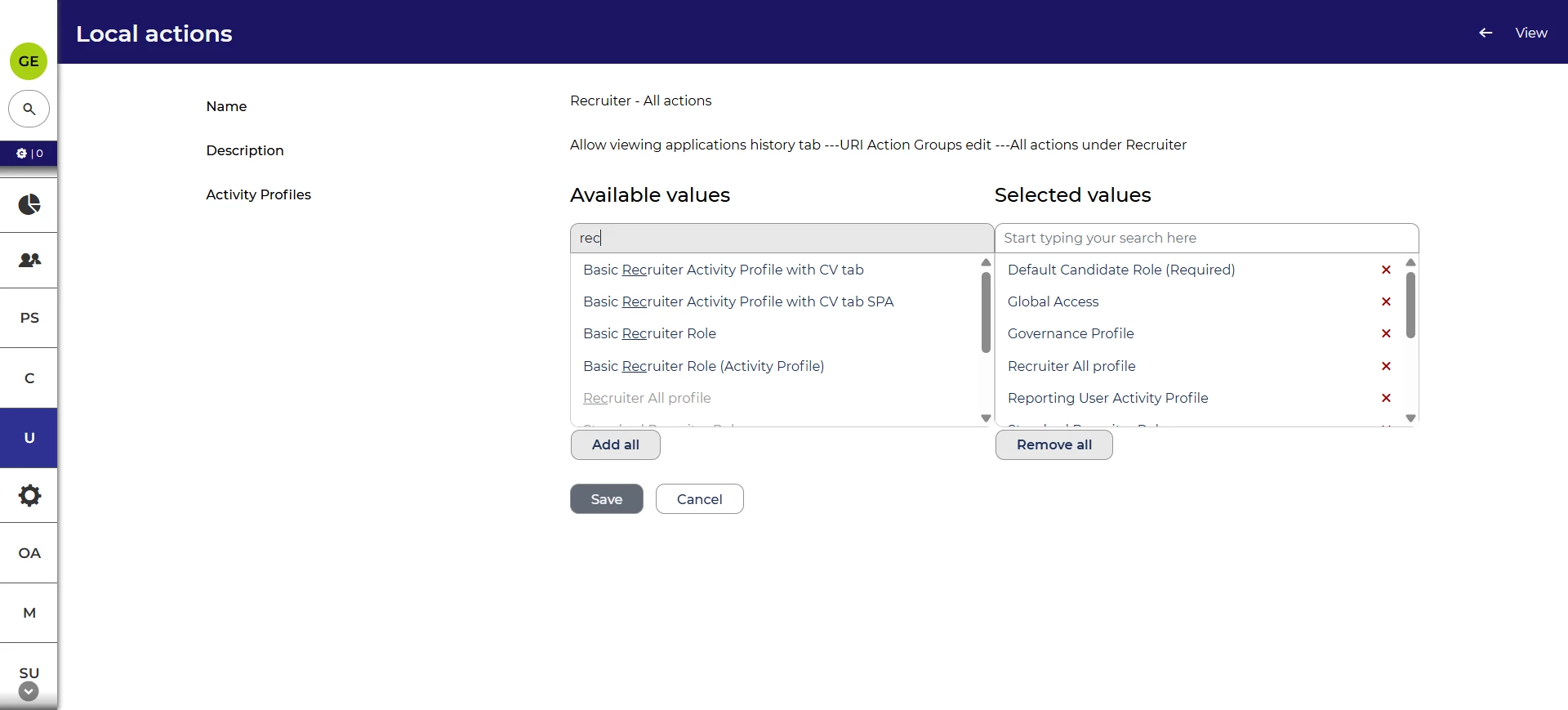
Improved UI for action groups
We’ve made enhancements that allow you to better understand and change which activity profiles and action groups are linked. With this release, you’ll be able to see the associated activity profiles from the action groups page. You’ll also be able to edit the activity profiles in bulk.
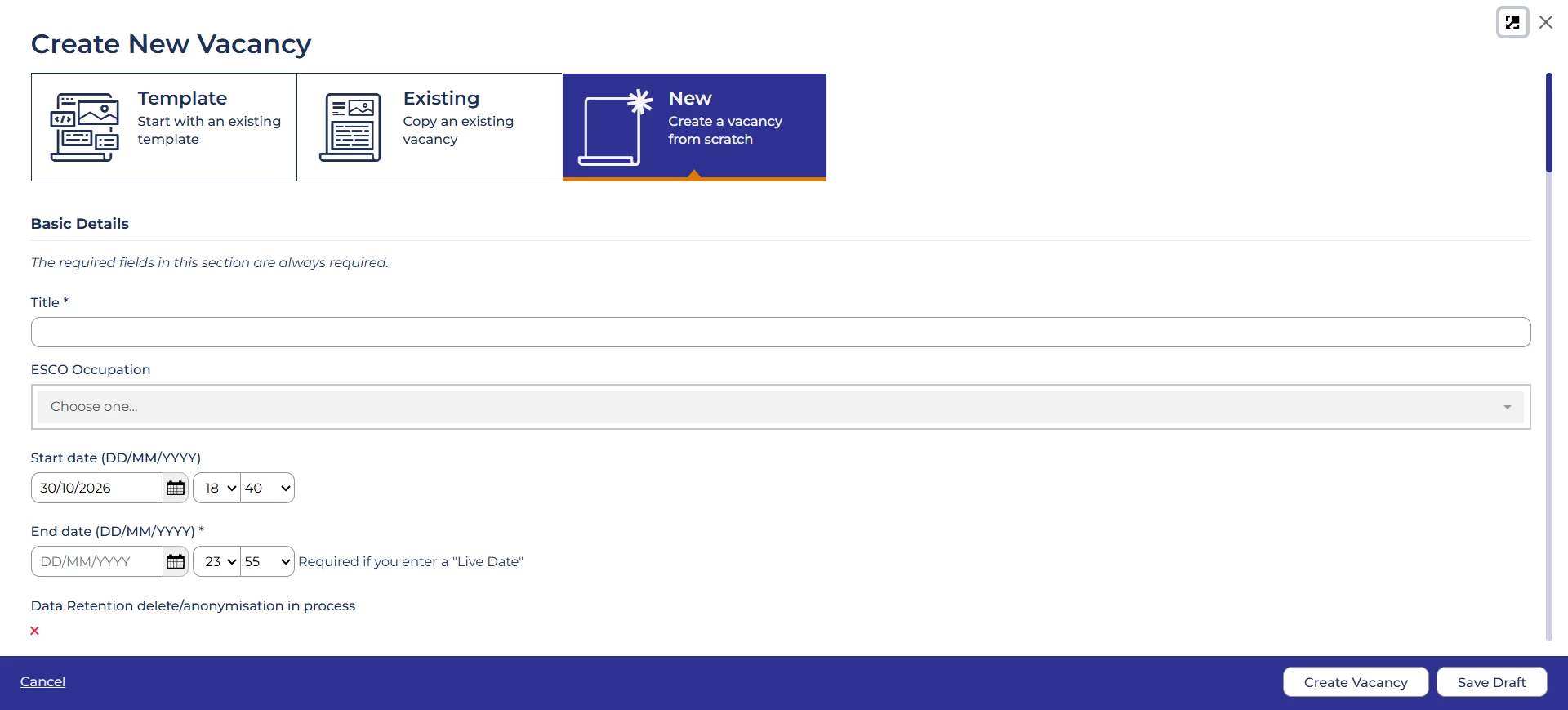
Maximise the vacancy create modal 💡
We’ve introduced a maximise button for the vacancy create modal. When clicked, the modal will take up the full screen, which is useful if you need to see lots of information at once.
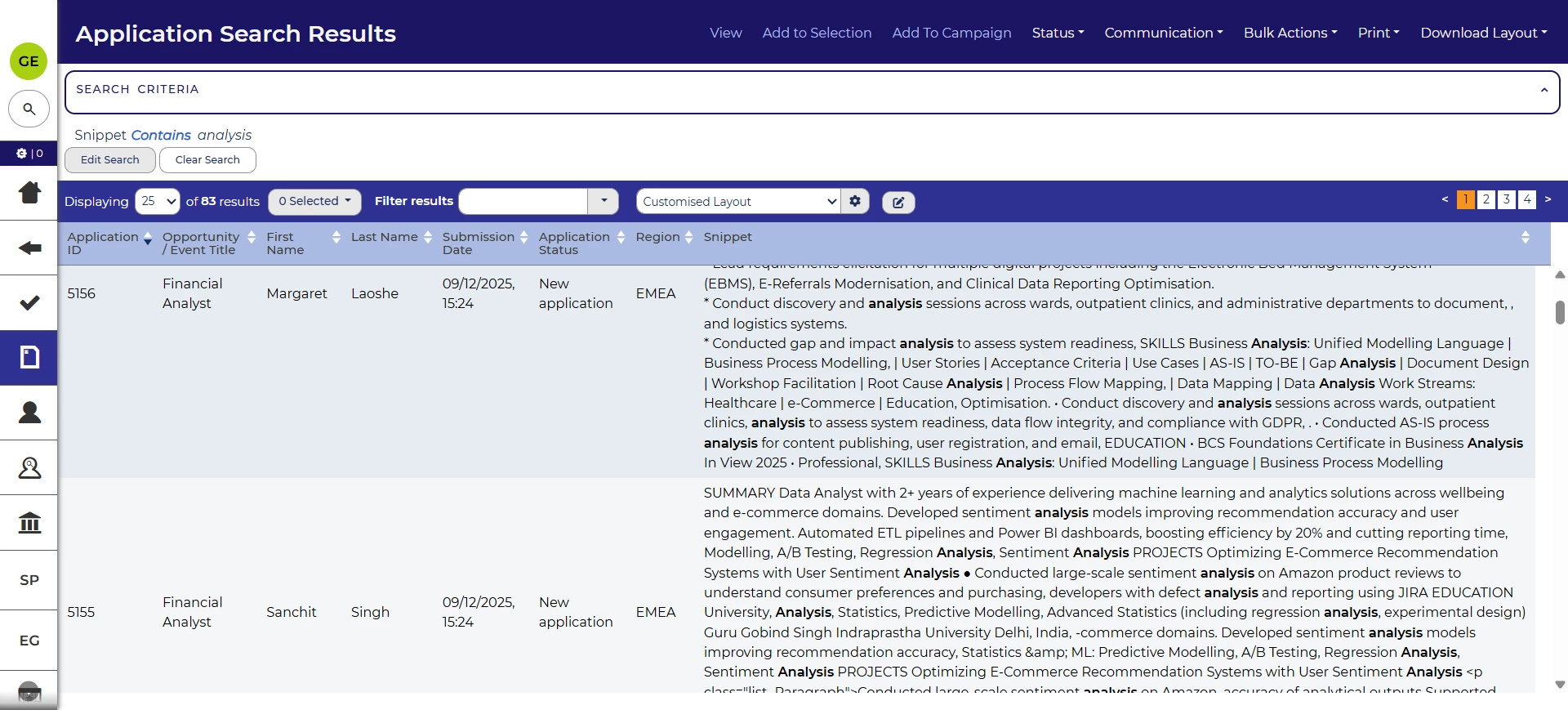
Snippet column to show the search term when using search criteria
We’ve made improvements to the snippets functionality currently used in full text searches. You’ll now be able to search by the snippet when using it as a search criterion and it will show the search term.
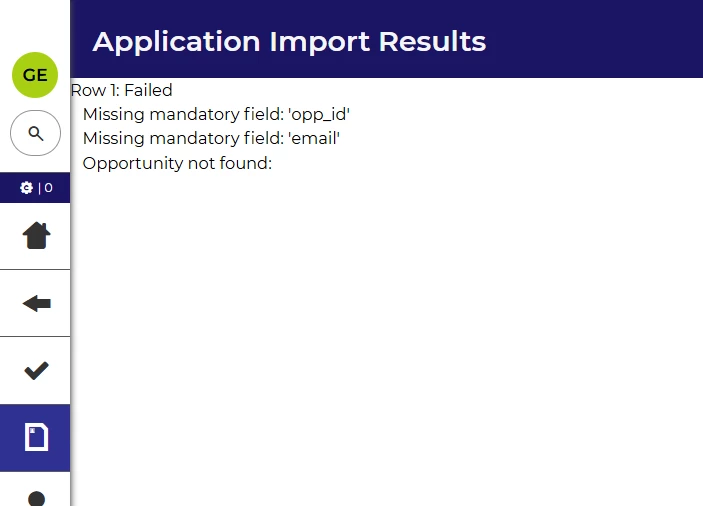
Clearer error messages when importing from CSV files
When you upload a CSV file, for example to import applications or opportunities, we’ll now show clearing messages if the upload fails. This will give you more insight into what has gone wrong and how to fix it.
Accessibility improvements ⚙️
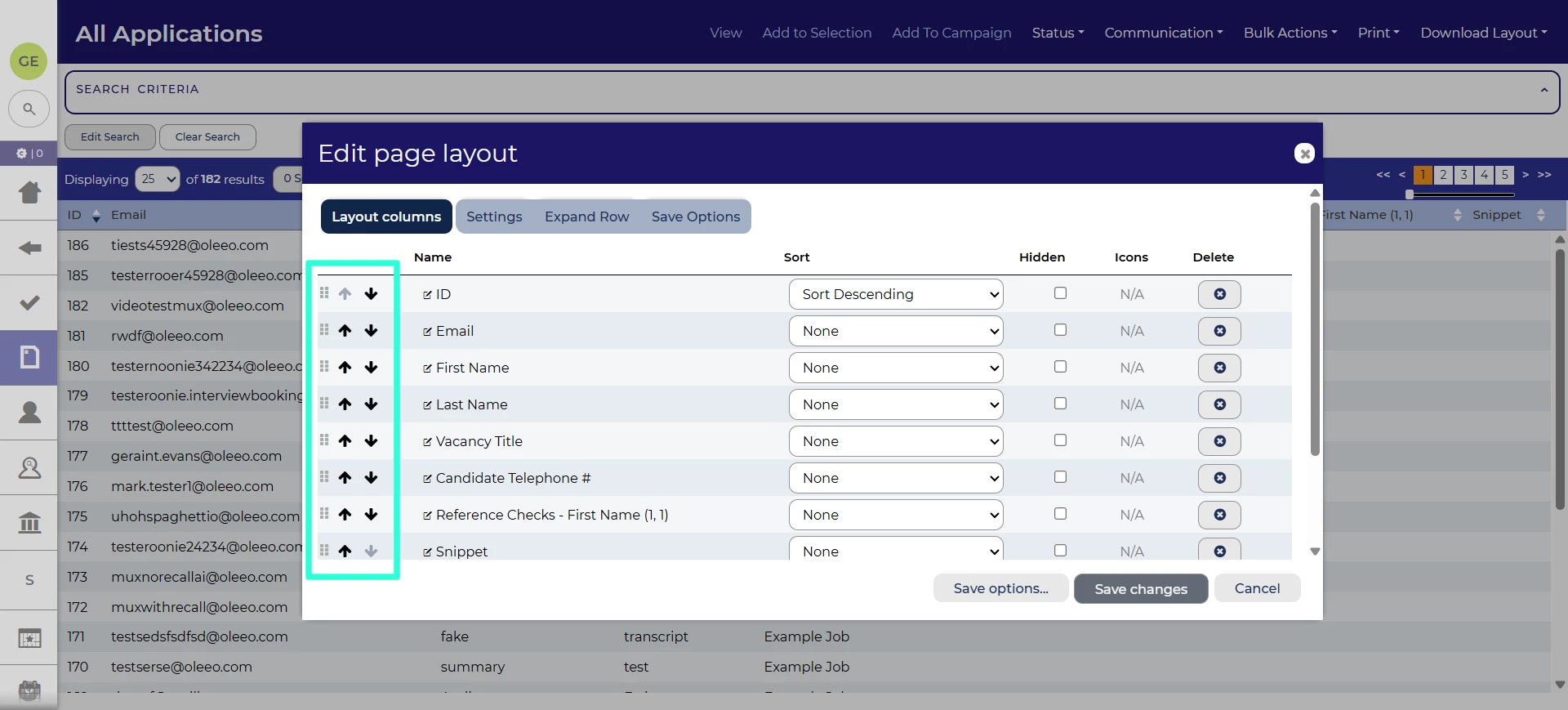
We’ll be launching a new way to edit the order of table layout columns, which works for users interacting with the keyboard. Two new arrow buttons will allow you to reorder the columns. This can be enabled using the accessibility.layout_editor_arrows configuration value.
FIXES
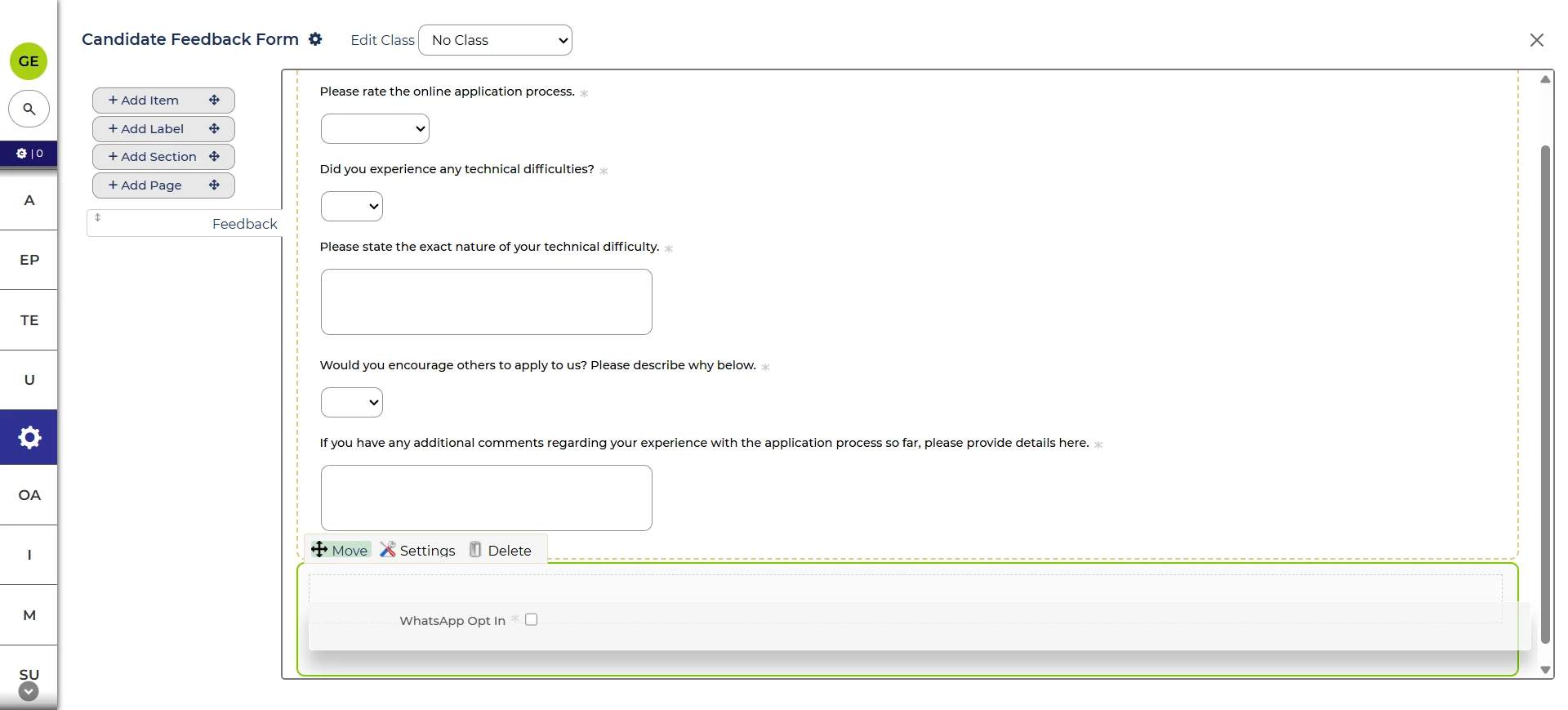
Easier to add to empty form sections
Sometimes, it can be difficult to add form items and labels to empty form sections. In this release, we’ve improved the user interface so that this is easier.
Some multi-select values not appearing on Careers Sites 💡
We’ve fixed an issue where some values from multi-select items were not appearing correctly on Career Sites
These changes were released on 4th November 2026 in version 3.431
💡 The lightbulb icon indicates the feature was based on customer feedback
⚙️ The gear icon indicates a configurable change.
All new features and fixes will automatically appear in your system, unless they are marked as a configurable change. To have a configurable change applied to your system please speak to your Customer Success representative or email customersuccess@oleeo.com. You can also raise a Change Request case in the portal.