




v3.429 Release Notes 8th October 2026
NEW
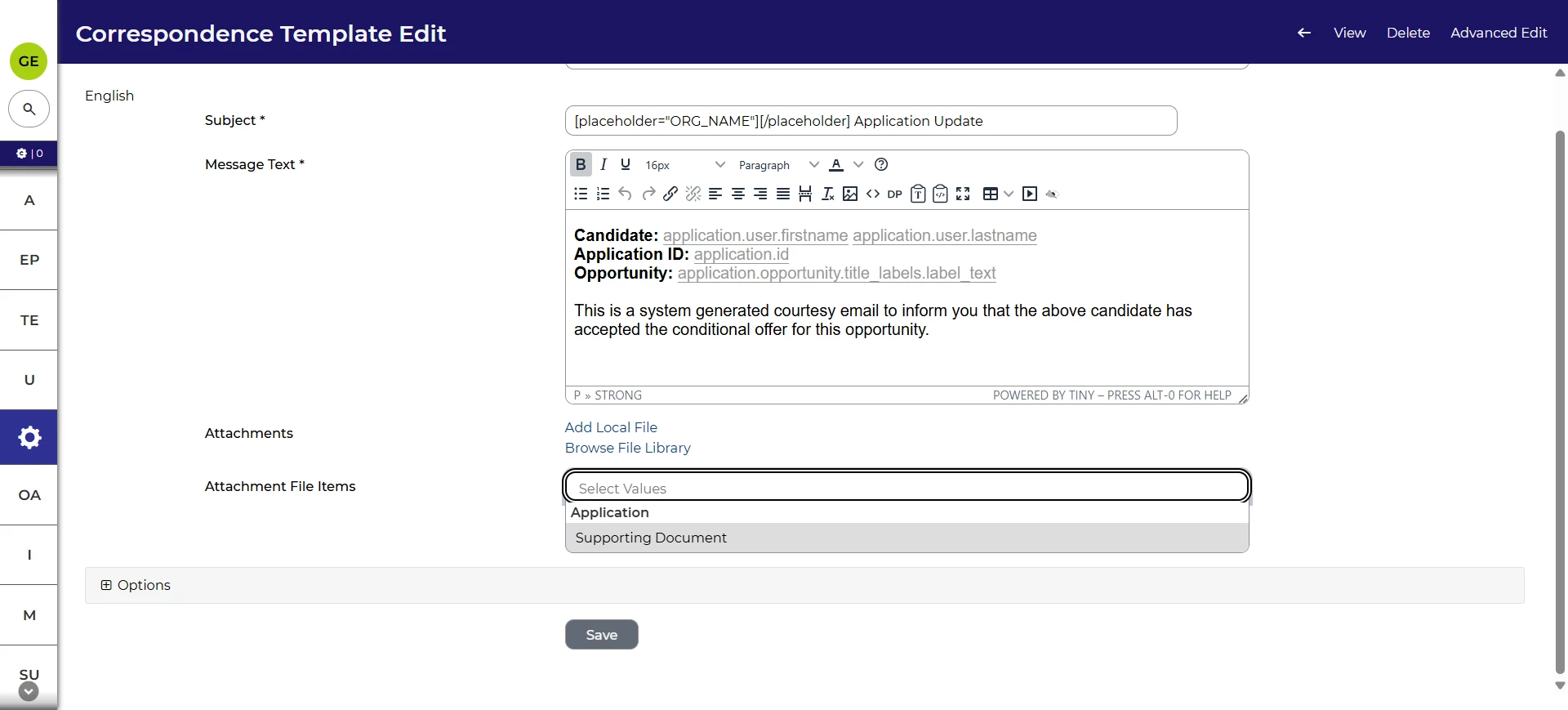
Include files uploaded as file items in email correspondence
With this release, you’ll have more options for including attachments to your email messages. Alongside uploading local files and using files from the File Library, you’ll also be able to attach a file from a form item. Items from application and opportunity forms can be attached directly to an email template or ad hoc email.
Full guidance on how to set this up is available at Attaching documents to email templates.
Cleaner list of template types for ad hoc emails
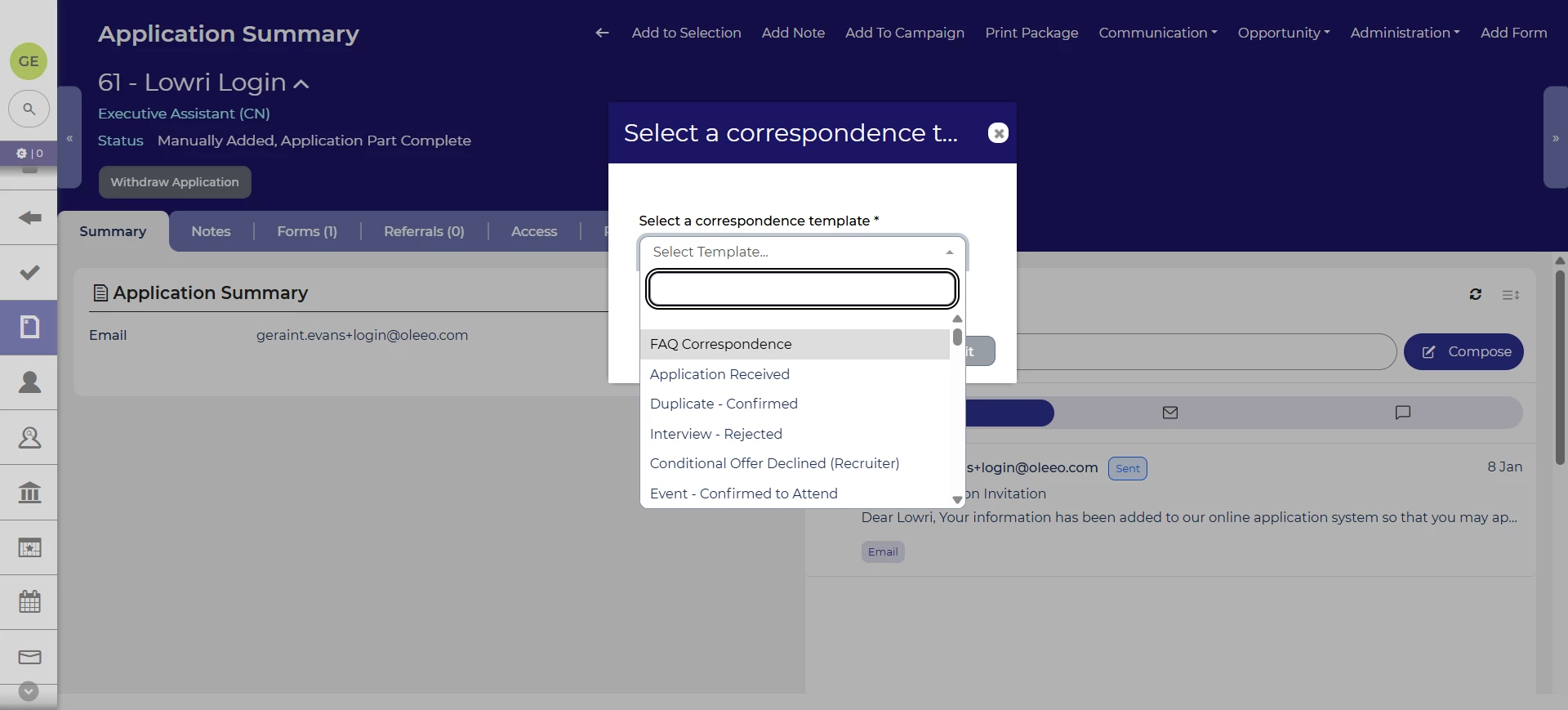
We’ve updated the list of template types that you can choose from when sending an ad hoc email to a candidate. We’ve removed the templates you would never send manually like job alerts and email verifications. This makes a more focused list to choose from.
Bulk import/export on generic objects
We’ve added the ability to export and import generic objects in bulk. This allows you to easily maintain any information you keep in them. The import and export functionality will work similarly to our existing bulk import/export processes.
Hidable buttons for forms used in Screening UI
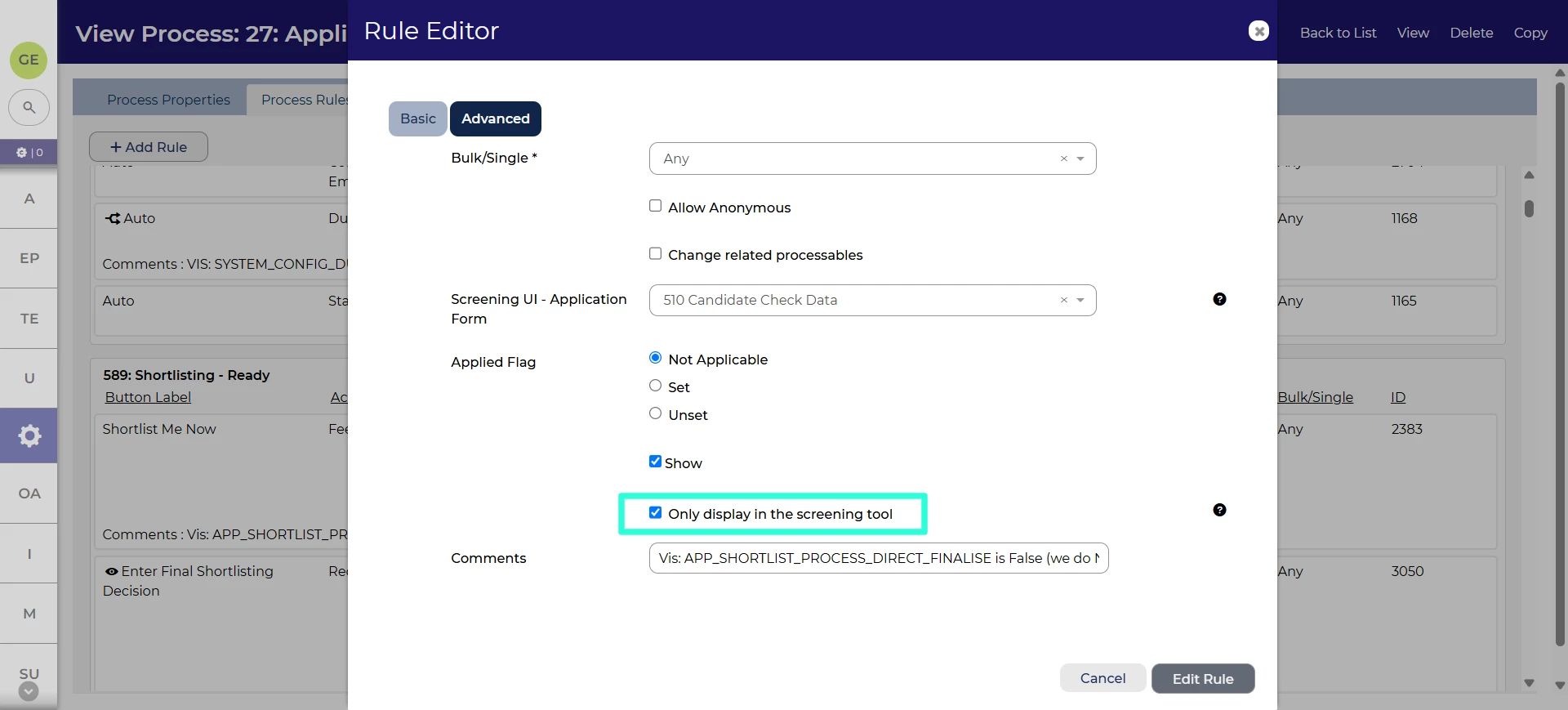
We’ve introduced additional customisability around displaying feedback forms when using the Screening UI. When the form is added to the process, its button appears on the application summary by default. Now, you’ll have an option when configuring the process to make the forms available only in the Screening UI. This removes unnecessary and confusing buttons from the application summary screen.
Accessibility improvements
We’ve made a change to our generated PDF documents to explicitly set a content language. This helps assistive technologies understand the content and relay it back to the user.
FIXES
Opportunity form submission datapaths 💡
We’ve fixed a defect with using datapaths to retrieve form submission information for opportunity forms. This includes information such as when a form was submitted, who created it and when it was last edited. You’ll be able to use a datapath like opportunity.form_sessions.form:XXXXXX:submitted:1.submitted_date (where XXXXXX is the ID of the form) to display the date a form was submitted. For full details of the datapaths, see the Datapath Reference Guide.
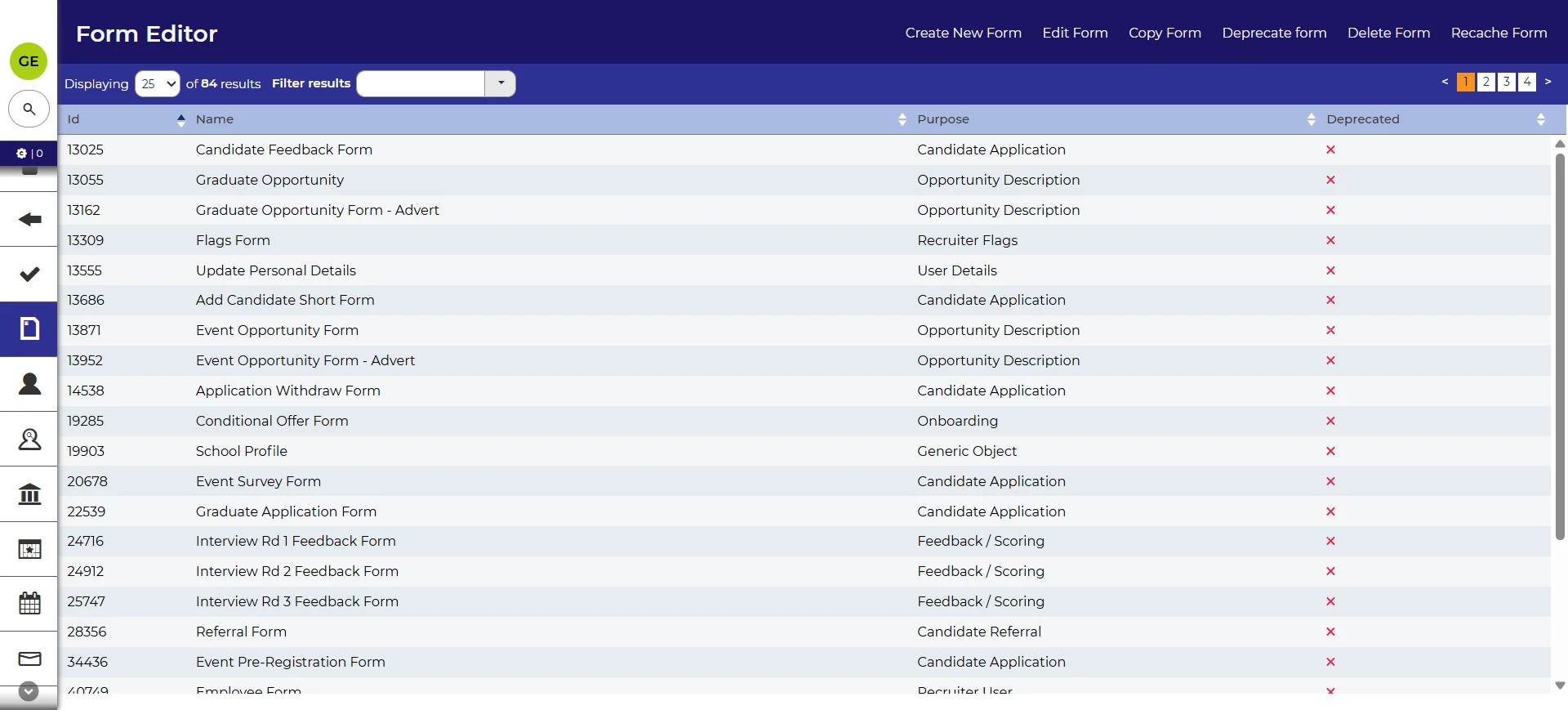
Prevent column filters from appearing by default in Form Editor
In this release, we’ve prevent the column filters from appearing by default when you open the Form Editor menu. This brings it in line with all other scenarios where you manually choose to show them.
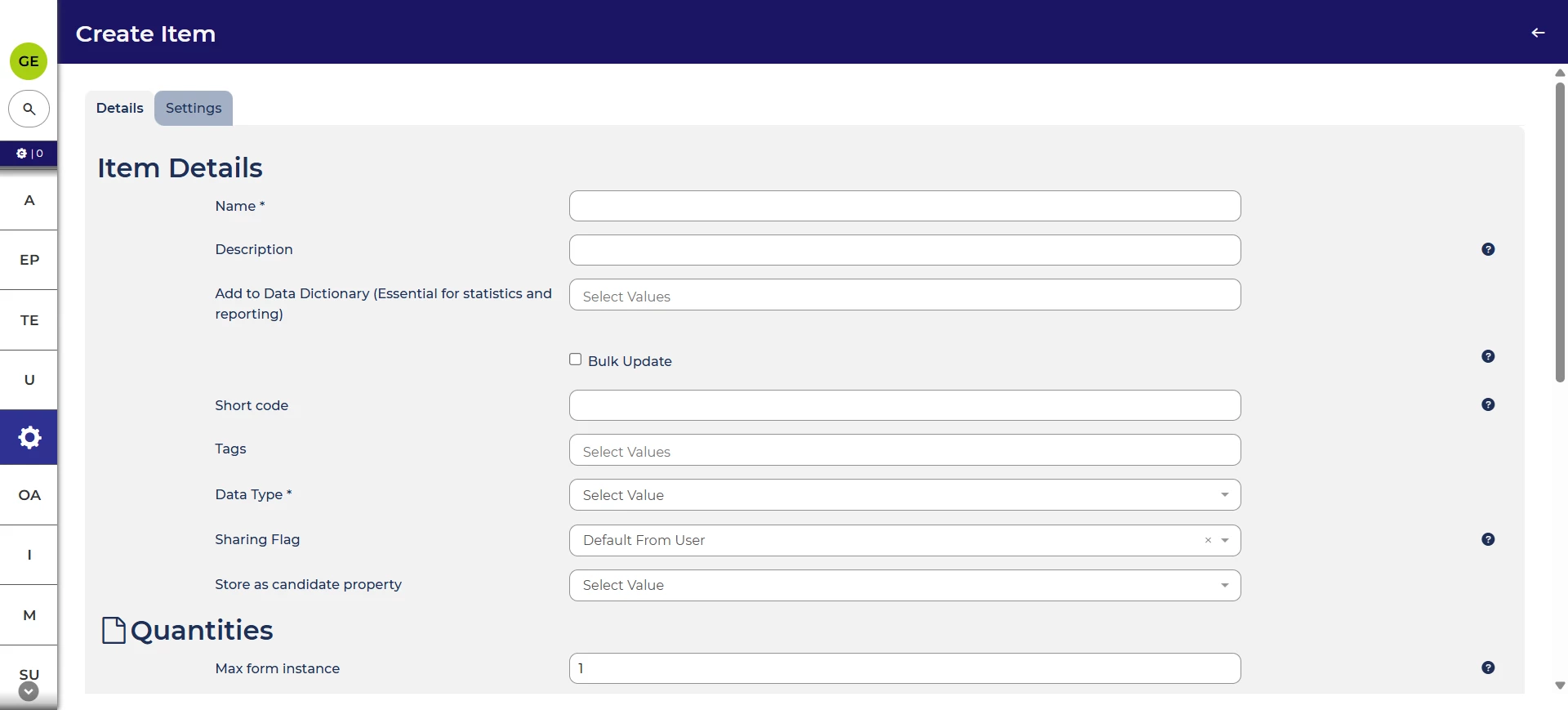
Form item Usage tab hidden when creating a new item
We’ve removed the Usage tab when creating a new form item, since the item would not be used anywhere at this point. This creates a cleaner user interface.
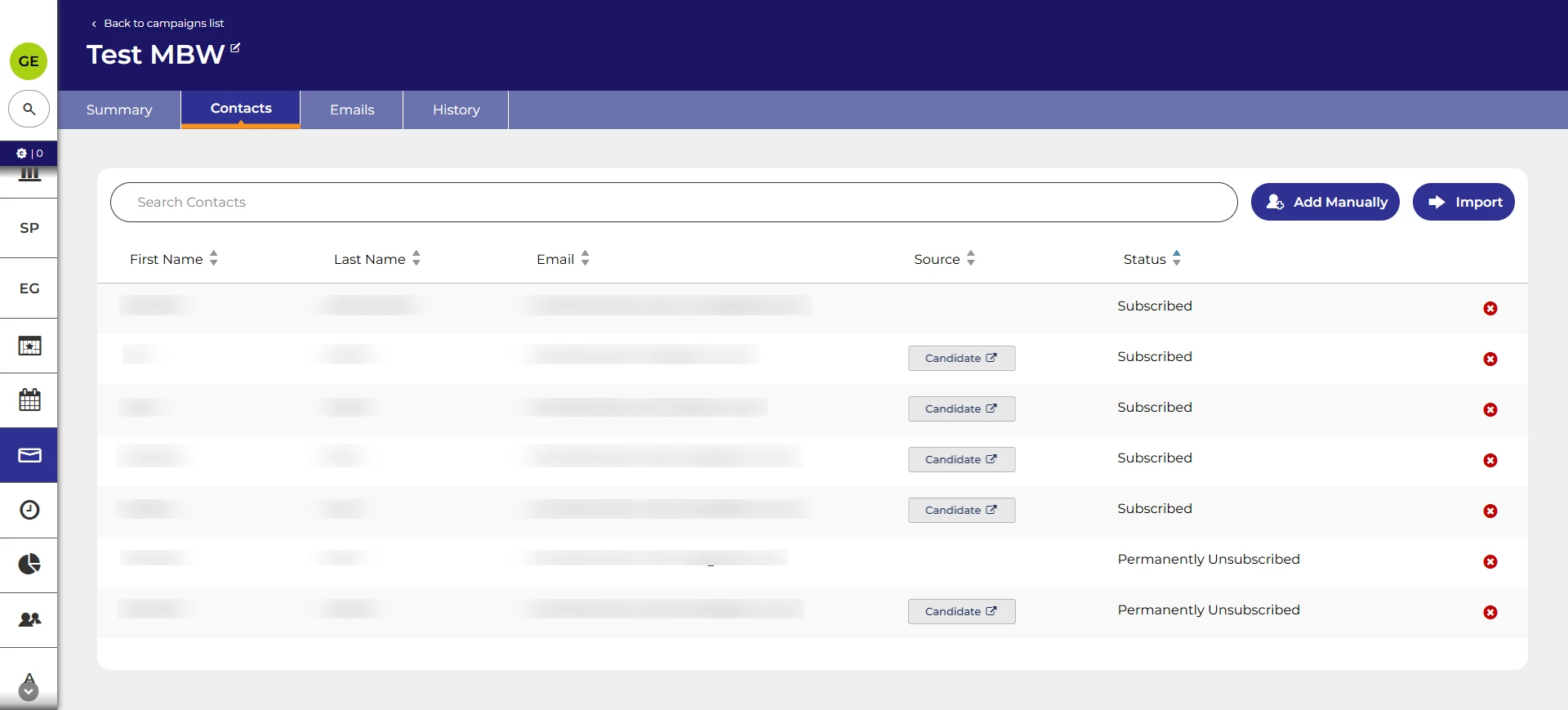
Fix to sorting for CRM contact status
We’ve fixed an issue when looking at the contacts list for a CRM campaign where the status column was not sorting correctly.
These changes were released on 8th October 2026 in version 3.429
💡 The lightbulb icon indicates the feature was based on customer feedback
⚙️ The gear icon indicates a configurable change.
All new features and fixes will automatically appear in your system, unless they are marked as a configurable change. To have a configurable change applied to your system please speak to your Customer Success representative or email customersuccess@oleeo.com. You can also raise a Change Request case in the portal.