




v3.423 Release Notes 24th June 2026

NEW
Two way communications emails visible in candidate portal 💡
We’ve launched the ability for candidates to see emails that have been sent via the two way communications widget. These emails will appear in the communications section of the candidate portal, alongside their other emails from the system.
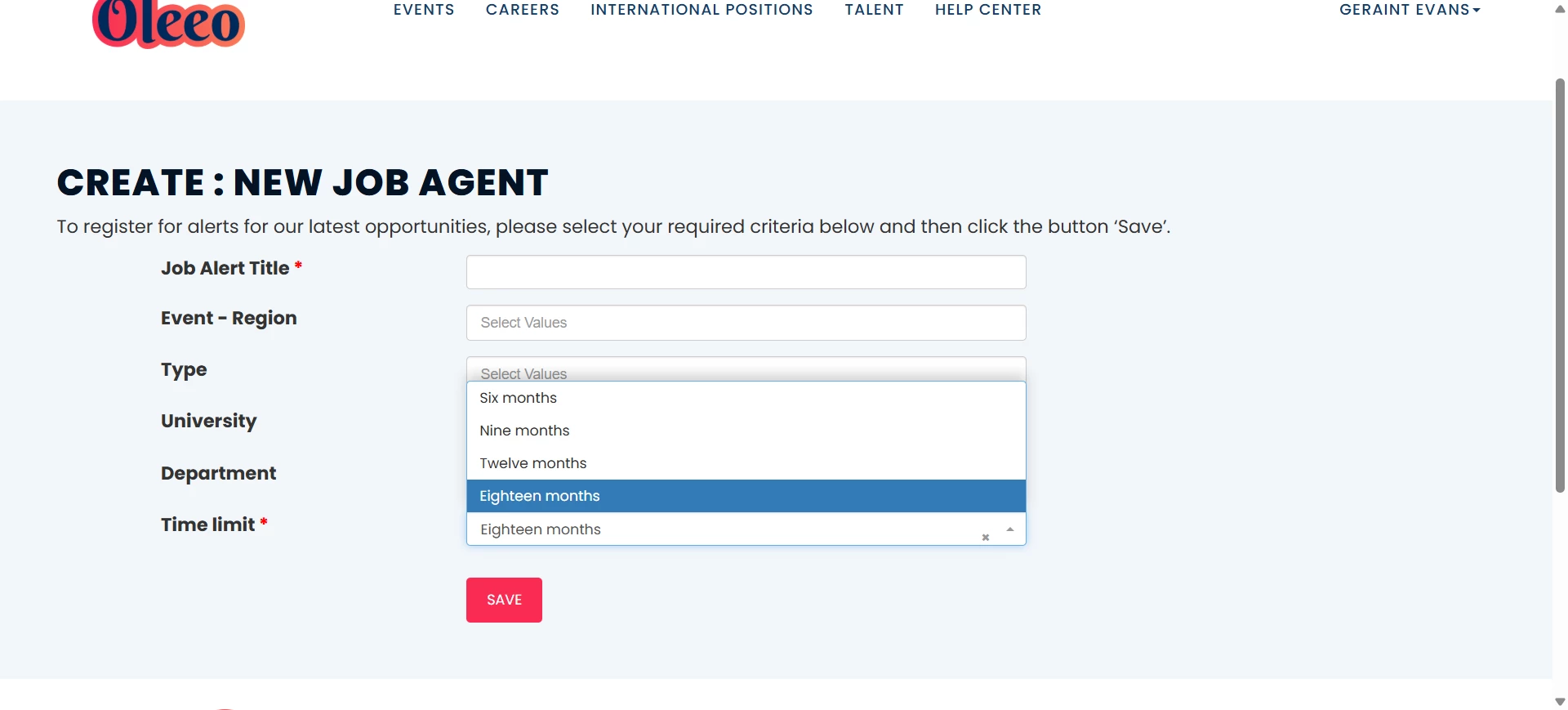
18 month job alerts 💡
We’ve given candidates a new option when setting up their job alerts. This will allow them to set their job alert to run for 18 months before expiring. This gives candidates more opportunity to find a job that matches their criteria and is especially useful if campaigns can run for more than a year.
Interview specific datapaths
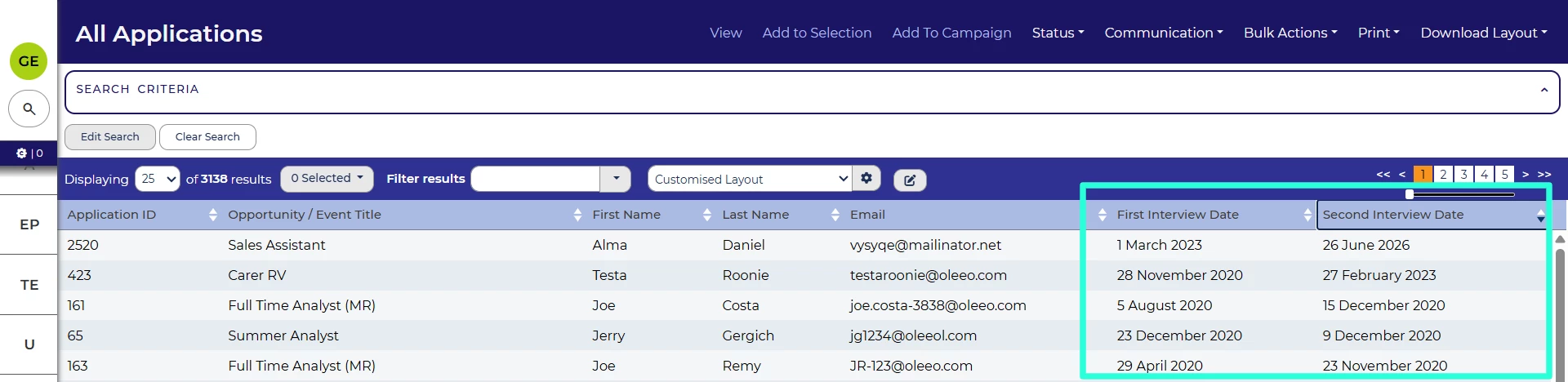
You can now reference information from a specific interview, not just the most recent. For example, you can add the title, date and location of both first and second round interview to a table layout.
In general, you can replace the application.most_recent_interview section of your datapath with application.itineraries.ord:N where N is the order of the interview you want to reference.
For example, you can use application.itineraries.ord:2.interview_date to reference the interview date of the second interview.
More examples of interview-related datapaths can be found in the Interviews configuration guide and Datapaths Reference Guide.
Ability to exclude opportunity items from being copied with the opportunity 💡
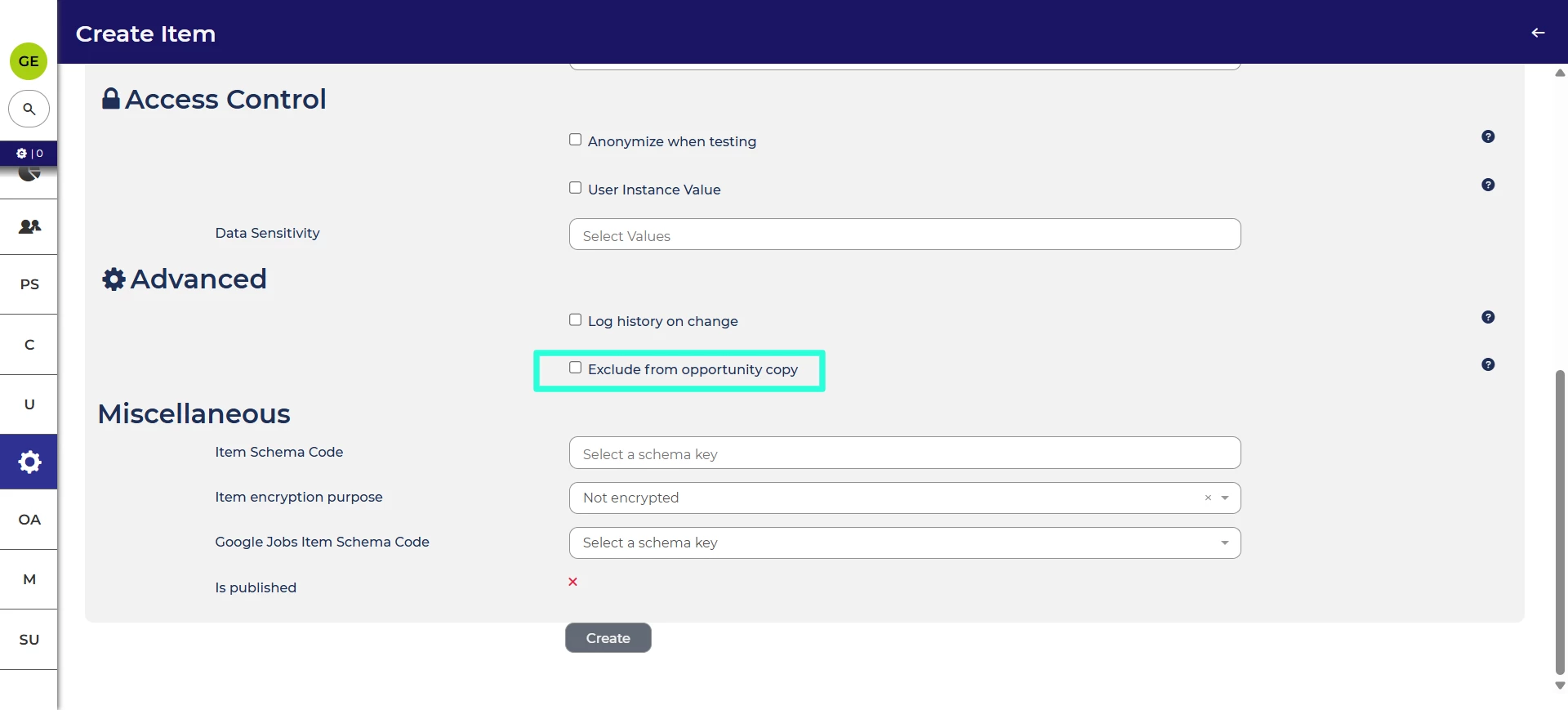
For application items, we have the ability to configure an item so that, if the application is copied, the contents of the item aren’t copied with it. This is useful from a data security and automation point of view. In this release, we’ve provided equivalent functionality for opportunity items, so that these items will also be blank if the opportunity is copied.
Ability to bulk import referrals 💡
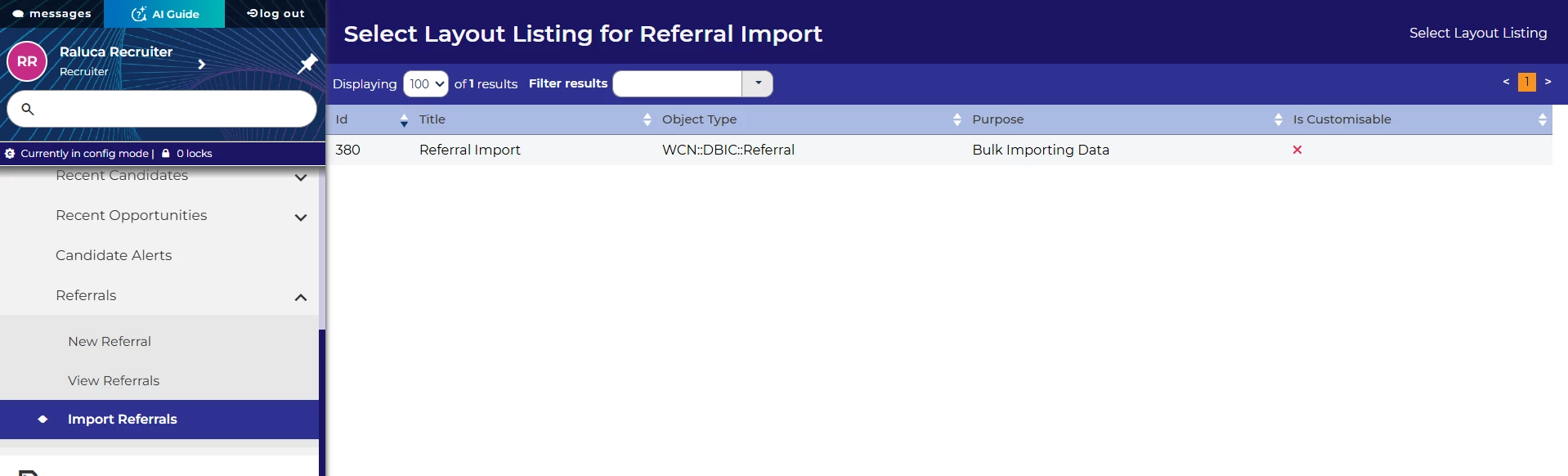
We’ve added the ability to bulk import referral data. This makes it easier to efficiently bring in large amounts of referral data into Oleeo Recruit. This can be accessed through a revamped Referrals section of My Tasks in the left hand menu.
This works similarly to importing applications. You will need to have a table layout configured to accept the required fields.
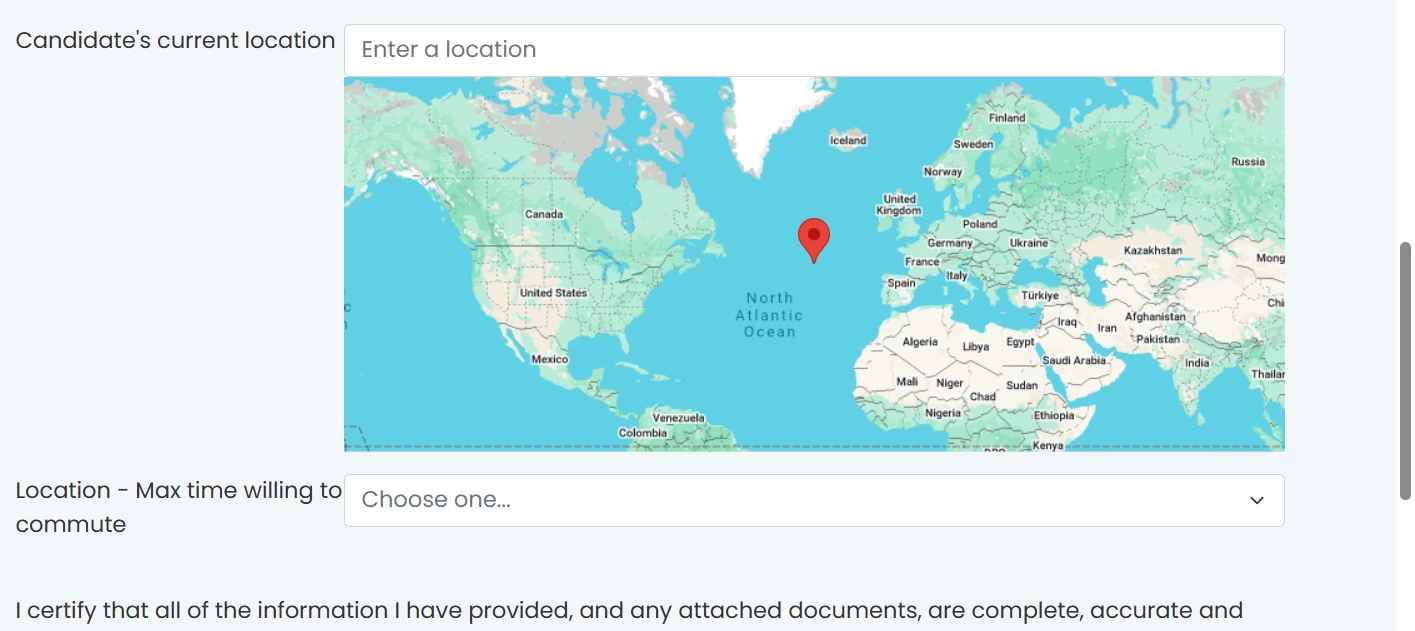
Remove Google Maps Plus Code from candidate-side search 💡
When candidates use our Google Maps integration as part of their application form, they will sometimes see a default value displaying a Plus Code, a code like “89QHJWVP+W5” which Google use to identify a specific location. Since this code can be confusing to users out of context, we’ve changed the default option to be blank. Users can then input their location.
Improve Opportunity Description form configuration UI
We’ve removed some unnecessary options from the user interface for configuring Opportunity Description forms:
- Removed "Manual Label" from the process rule configuration
- Removed the “Process Only” checkbox from the Form Properties/Settings menu.
Neither of these had any impact on Opportunity Description forms, so this makes a clearer and less confusing experience.
Accessibility improvements
In this release, we’ve made several enhancements to ensure that our platform is accessible for those using assistive technologies.
- Reclassifying the application process buttons for screen reader users so that it’s clear how to interact with them.
- Reclassifying the Edit Search and Clear Search buttons for screen reader users so that it’s clear how to interact with them.
- Correcting how the close button of the search modal is read out.
- When adding a local file to an email, changing the focus so it’s clear that a new file can be added.
- Adding logical linking between a field and the button to add translation, so that it’s clearer to screen reader users to which item they are adding a translation.
FIXES
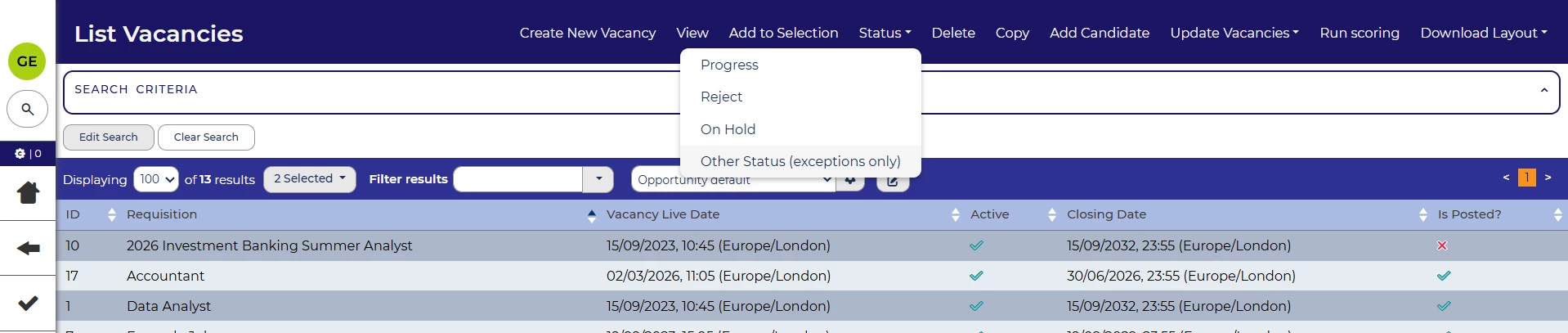
Bulk Other Status timestamps 💡
We’ve fixed an issue with status change timestamps. When an opportunity’s status has been changed using the “Other Status” method in bulk, the datapath was not showing the timestamp. With this release, we’ve ensured that the timestamp can be retrieved for those opportunities.
Ensure opportunity templates are required when configured
We’ve also fixed an issue where the opportunity.create.allow_no_template configuration value wasn’t being respected in all cases. Now, if a system is configured such that an opportunity can only be created from template, this will be the case through all user journeys.
These changes were released on 24th June 2026 in version 3.423
💡 The lightbulb icon indicates the feature was based on customer feedback
⚙️ The gear icon indicates a configurable change.
All new features and fixes will automatically appear in your system, unless they are marked as a configurable change. To have a configurable change applied to your system please speak to your Customer Success representative or email customersuccess@oleeo.com. You can also raise a Change Request case in the portal.

