




v3.420 Release Notes 13th May 2026

NEW
Translations in table layouts 💡
We’ve made available a new datapath that allows you to add the translations for form data or labels into table layouts.
This lets you easily check that your translations match across all supported languages.
More information on the datapath can be found in the Datapaths reference guide.
Allow items to have both mapping and expression constraints
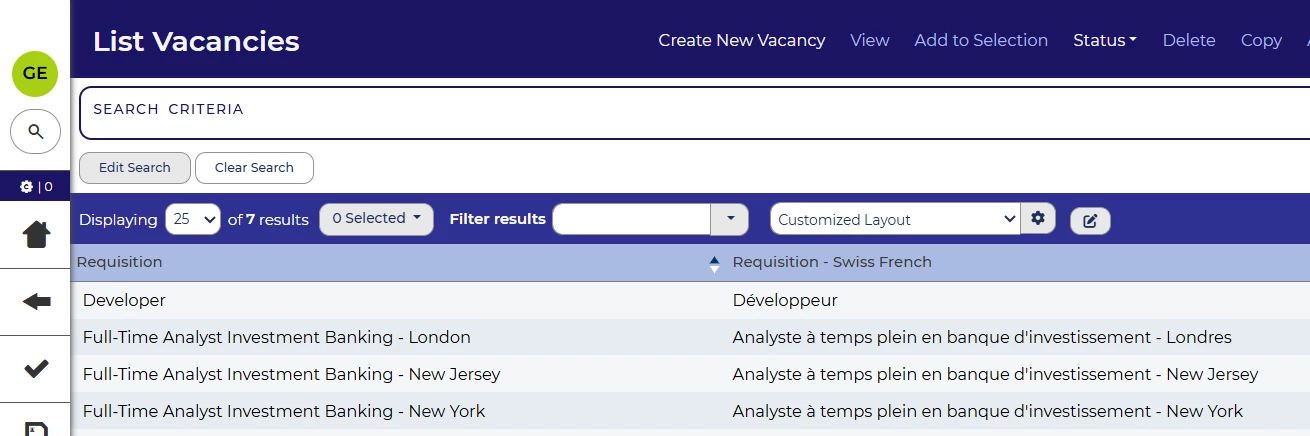
In this release, we’ve updated our item validation functionality so that an item can be configured with a mapping constraint and an expression constraint.
For example, you can have an item that is mapped to one item but also has an expression constraint preventing it from being the same value as a different item.
Refresh application summary page in more cases
The application summary page is the key source of information for a specific application. As a result, you always want it to be showing the most up-to-date data. We’ve made a change so that more user actions (e.g. submitting a form) cause the data on the application summary page to update, so you’ll see the latest version more often.
Bulk actions on agency users 💡
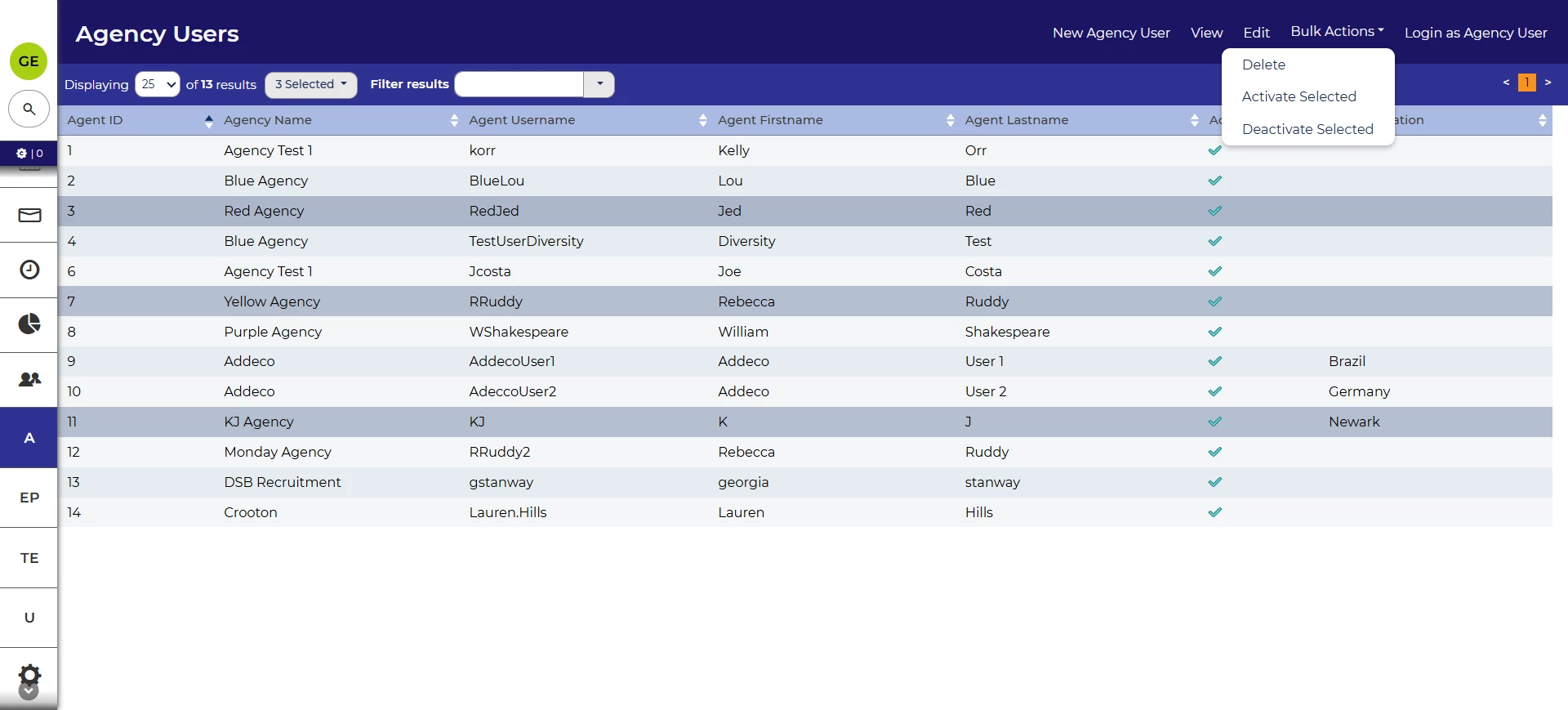
We’ve also updated the actions that you can perform on agency users. From the list of agents, you can now select multiple agent users and activate, deactivate and delete in bulk. This makes it much easier to manage several users.
Accessibility improvements
In this release we’ve improved the accessibility of our table layouts.
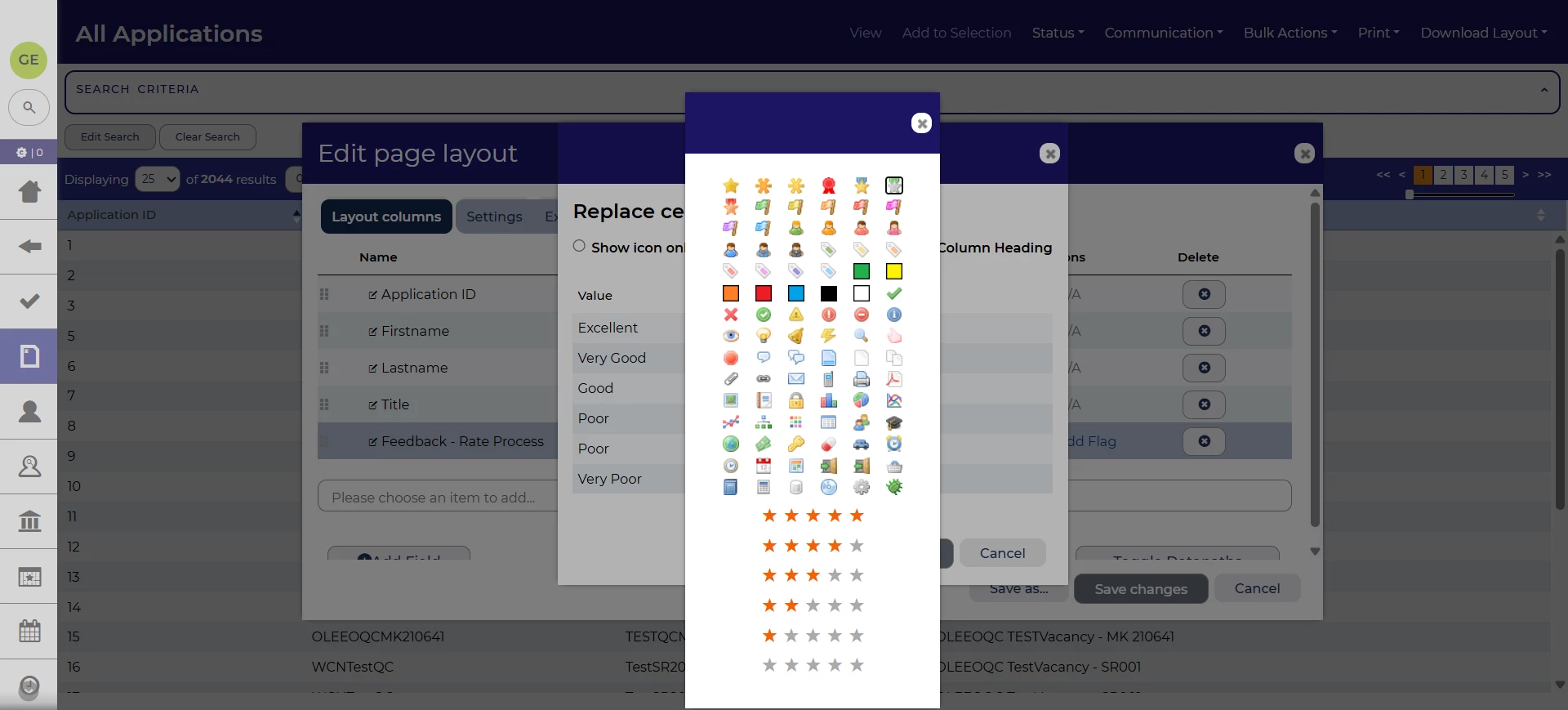
Adding icons is a useful way to highlight items visually in a table layout. We’ve improved this for screen reader and keyboard navigation users. The icons can now be tabbed to and selected via keyboard and the modal will be screen reader accessible. Each icon will also have a name to identify the visual to screen reader users.
We’ve also made a change to the table layouts in general so that using the column headers for sorting is more in line with ARIA standards.
FIXES
Cancel button added to the select profile page
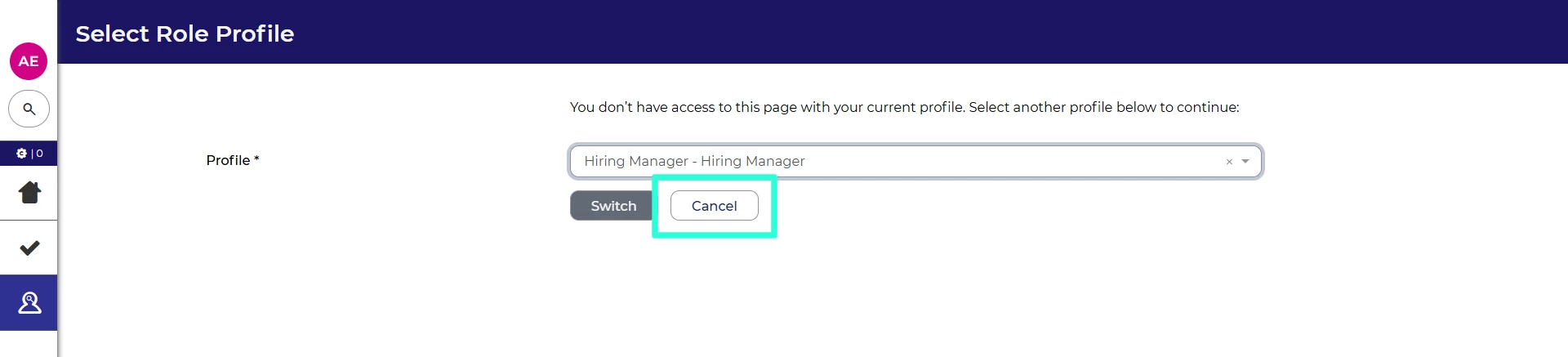
The select profile page, which allows you to choose one of your other user profiles when your current profile doesn’t have the access required, can sometimes prevent access to the left hand menu. We’ve added a button that will allow you to cancel the profile switch and return to the homepage.
These changes were released on 13th May 2026 in version 3.420
💡 The lightbulb icon indicates the feature was based on customer feedback
⚙️ The gear icon indicates a configurable change.
All new features and fixes will automatically appear in your system, unless they are marked as a configurable change. To have a configurable change applied to your system please speak to your Customer Success representative or email customersuccess@oleeo.com. You can also raise a Change Request case in the portal.

