




v3.419 Release Notes 29th April 2026

NEW
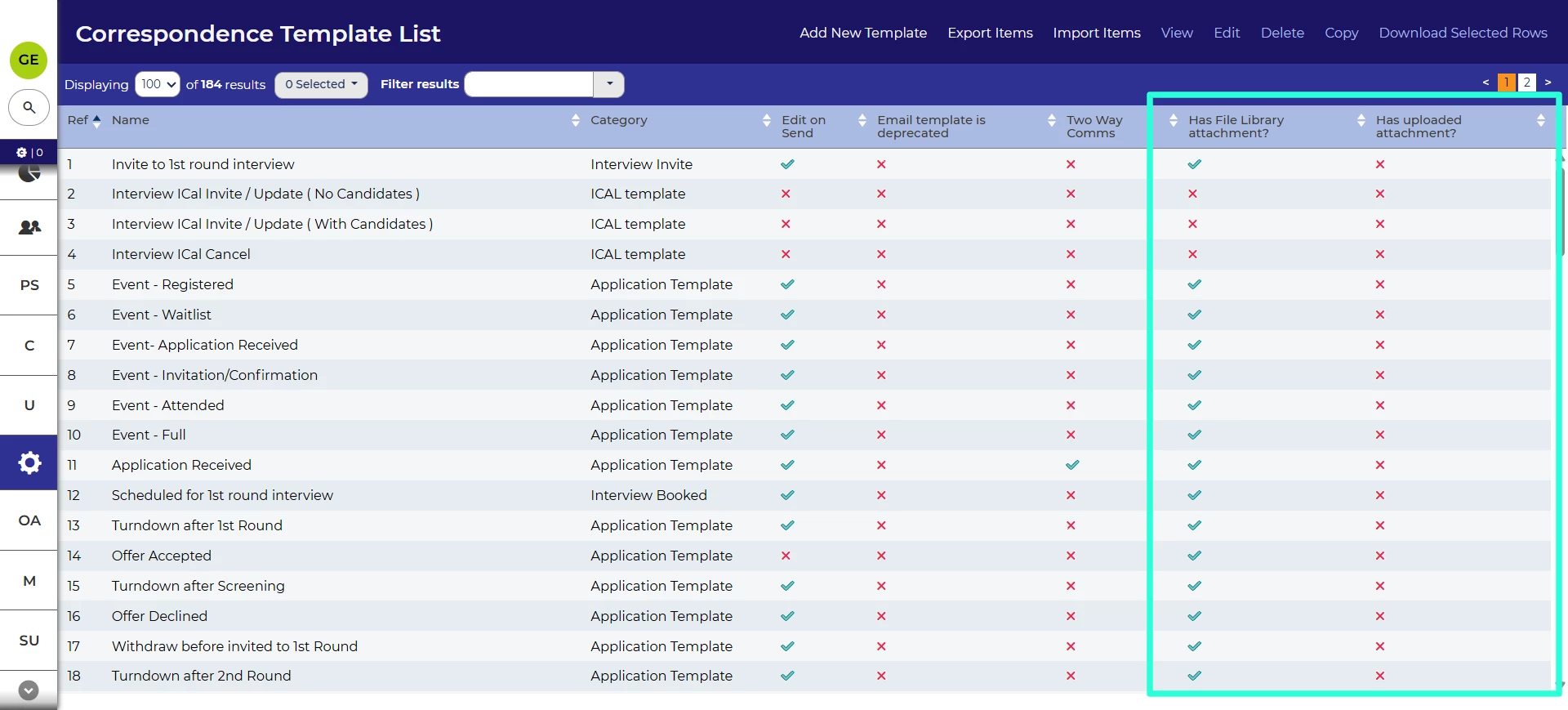
Increased visibility of attachments for email templates 💡
We’ve made available a new datapath that allow you to see which email templates have attachments. You will able able to see which templates have attachments added from the file library and uploaded directly.
For more information on using the new datapaths, see the Datapath Reference Guide.
Additional special characters supported in CONCAT() datapaths
Using the CONCAT() function in datapaths is useful for joining multiple values into a single string. In this release, we’ve enabled more special characters so that commas and brackets can be used.
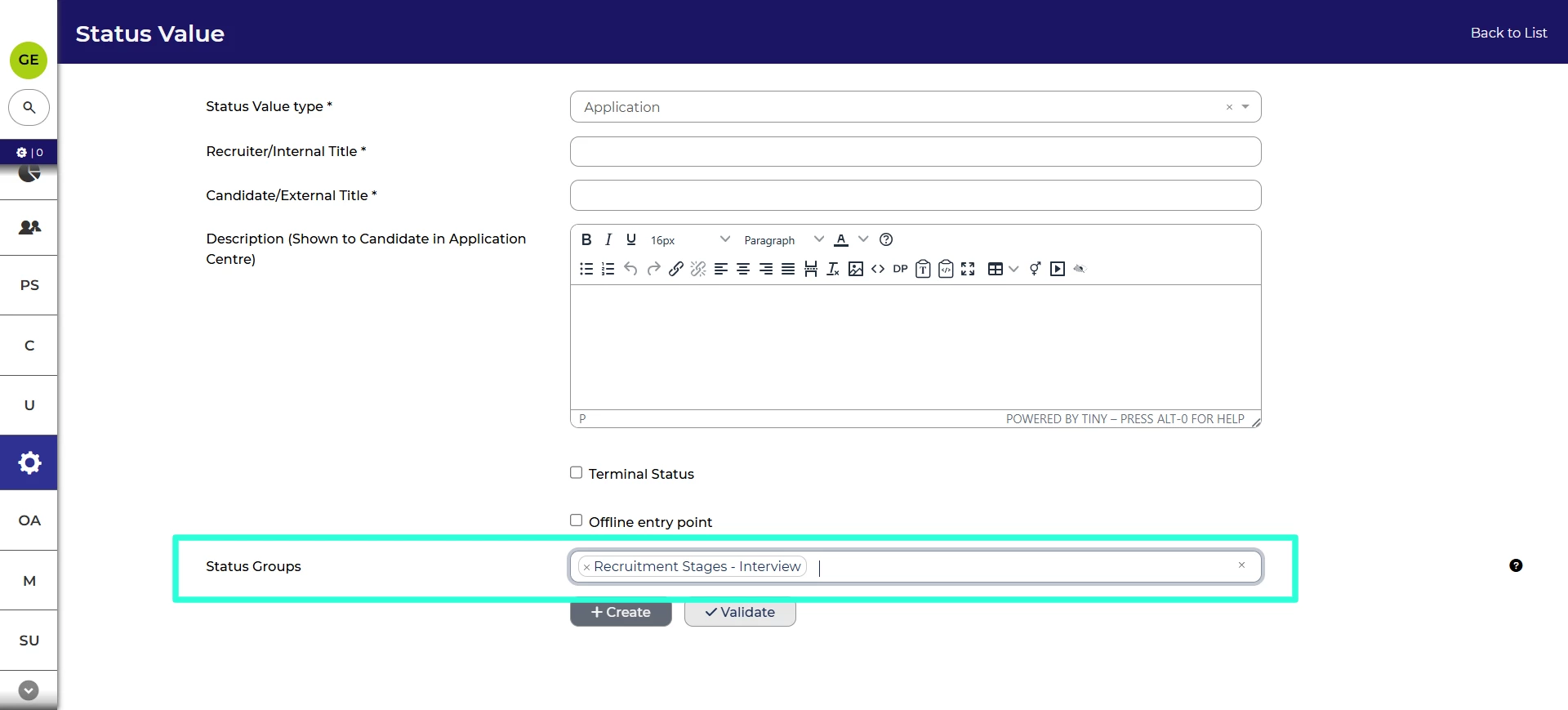
Add statuses to status groups on creation
We’ve made it more convenient to keep your status groups up to date. When you create a status value, you’ll be able to choose which status groups it will belong to. This makes it much less likely to be a forgotten task.
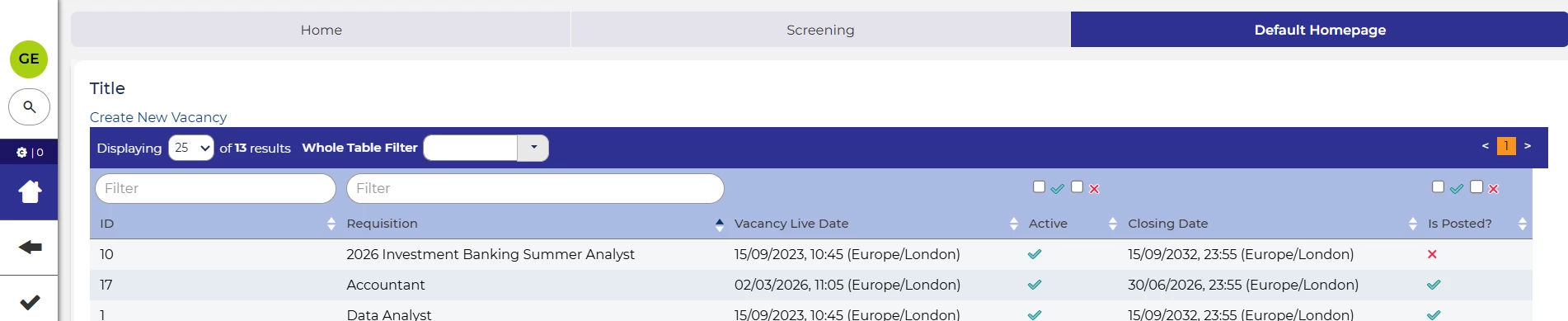
Column filtering in dashboard layouts 💡
We’ve added column filtering to dashboard widget based on a table layout, like the saved search. From the search bar, you’re now able to enable column filtering, then search each column specifically including free text search and filtering by tick and cross.
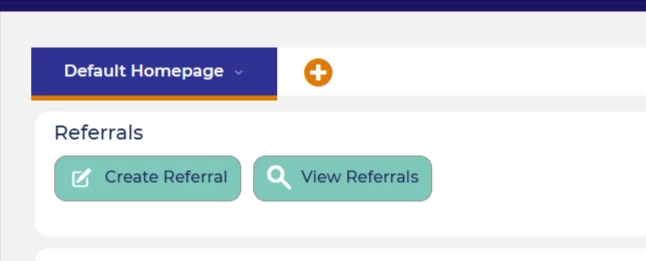
View referrals quick link for dashboards 💡
Also in dashboards, we’ve added the ability to add quick link button to a dashboard that will take you directly to your list of referrals.
These changes were released on 29th April 2026 in version 3.419
💡 The lightbulb icon indicates the feature was based on customer feedback
⚙️ The gear icon indicates a configurable change.
All new features and fixes will automatically appear in your system, unless they are marked as a configurable change. To have a configurable change applied to your system please speak to your Customer Success representative or email customersuccess@oleeo.com. You can also raise a Change Request case in the portal.

