




v3.418 Release Notes 15th April 2026
NEW
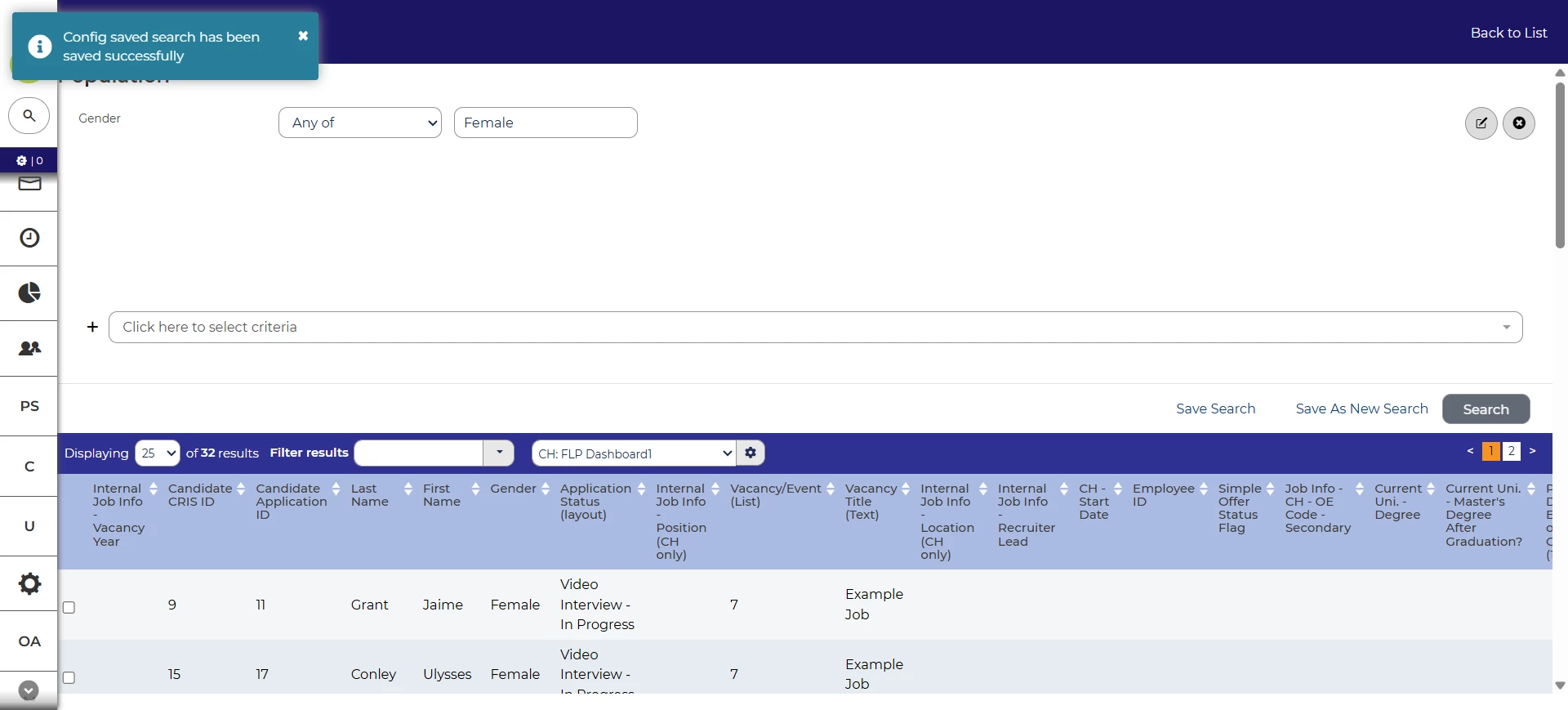
Improved feedback when creating config saved search
We’ve added visual feedback when creating a config saved search so that it’s clearer that it’s been created successfully. From this release, you’ll see a pop-up message and the page will instantly update with the name that you’ve just given the new search.
Allow users to edit global saved searches 💡⚙️
In this update, we’ve tweaked our permissions so that some additional users will be able to edit the properties of global saved searches.
Users will need access to the relevant action group to see the change. If your users would like this access, raise a case to change permissions.
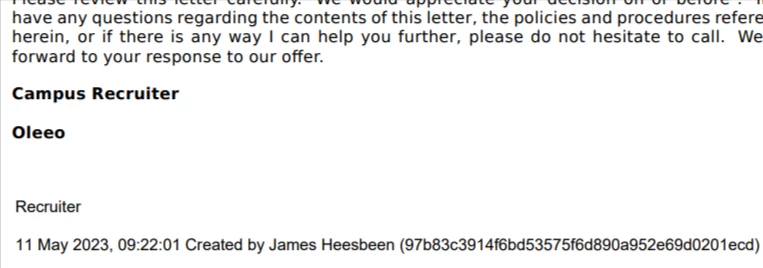
Electronic signatures included in print books
Oleeo Recruit has an option to add automatically-generated electronic signatures to offer letters and other documents. With this release, the signatures will be shown when the letter is added to a print book. This makes the print book a more complete summary of the application details.
New datapaths to reference job postings 💡
We’ve also introduced new datapaths to help you to reference specific job postings. For example, you’ll be able to link to separate postings on your internal and external job boards.
The new datapath is opportunity.postings.plm:<plm_id>:status:<status_id>.get_apply_url. You can find more details on how to use it in the Datapath Reference Guide.
Accessibility improvements
In this release, we’ve made a number of accessibility improvements.
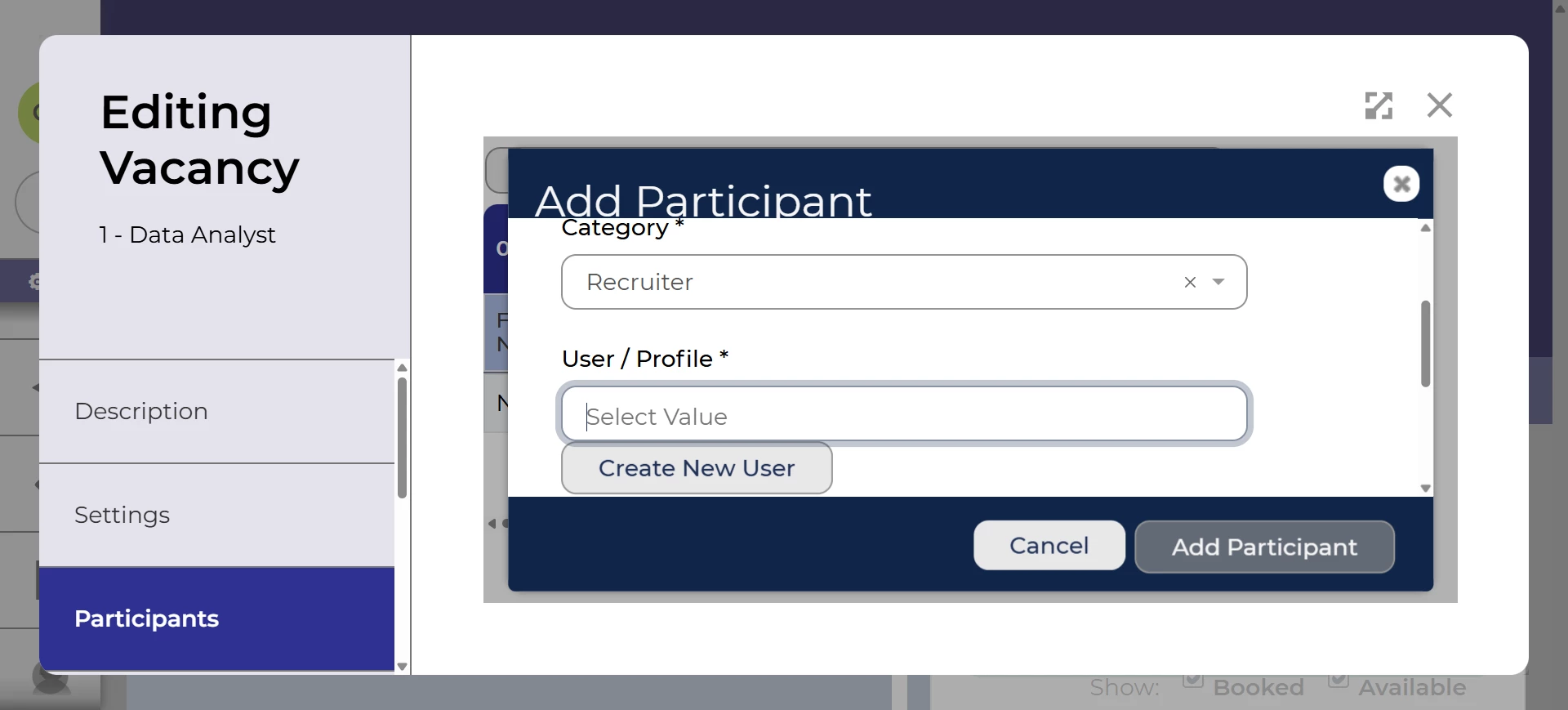
We’ve improved the modal that appears when adding participants to a vacancy so that the text and controls are more accessible at higher levels of zoom.
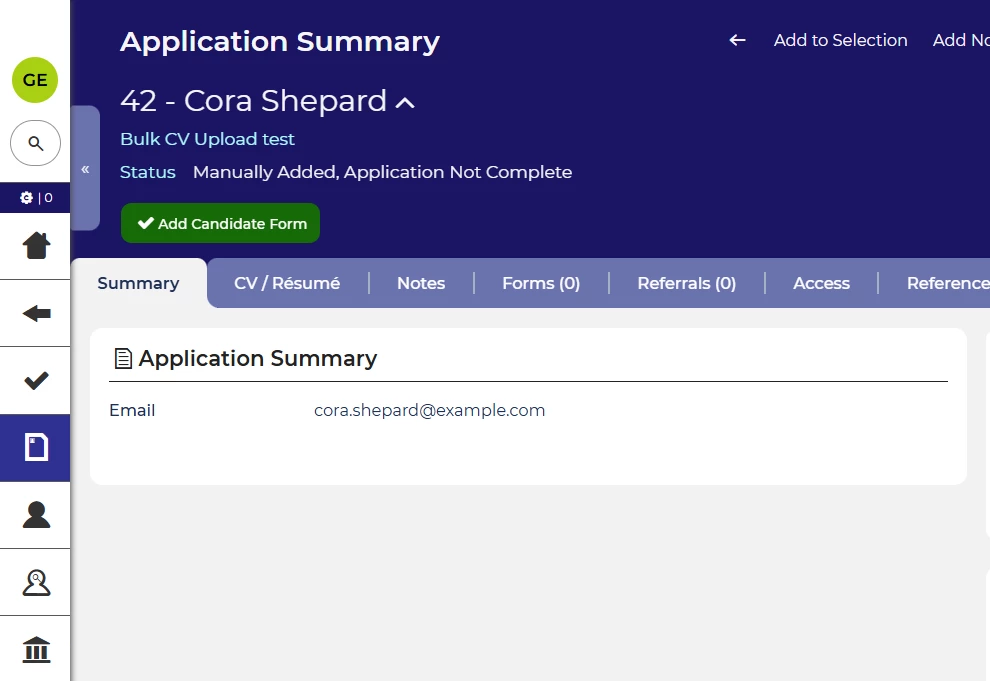
We’ve also changed the heading logic on the application summary tab so that it’s clearer to screen reader users.
FIXES
Fix issue with editing interviews
We’ve fixed an issue that occurred when editing interview slots. In some cases, users were shown options that indicated they could add multiple slots when this wasn’t the case. Now users will not see those options.
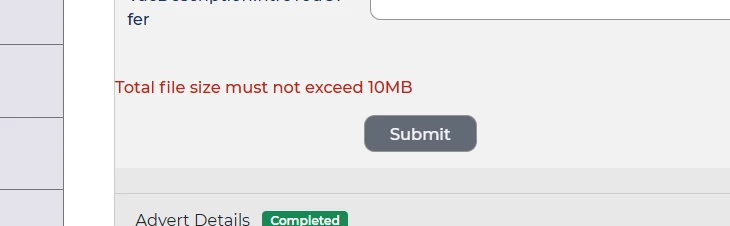
Clearer messaging when uploading files that are too large
We’ve also ensured that you always get an appropriate warning message if you try to upload a file that’s too large.
These changes were released on 15th April 2026 in version 3.418
💡 The lightbulb icon indicates the feature was based on customer feedback
⚙️ The gear icon indicates a configurable change.
All new features and fixes will automatically appear in your system, unless they are marked as a configurable change. To have a configurable change applied to your system please speak to your Customer Success representative or email customersuccess@oleeo.com. You can also raise a Change Request case in the portal.

