




v3.417 Release Notes 1st April 2026
NEW
Accessibility improvements
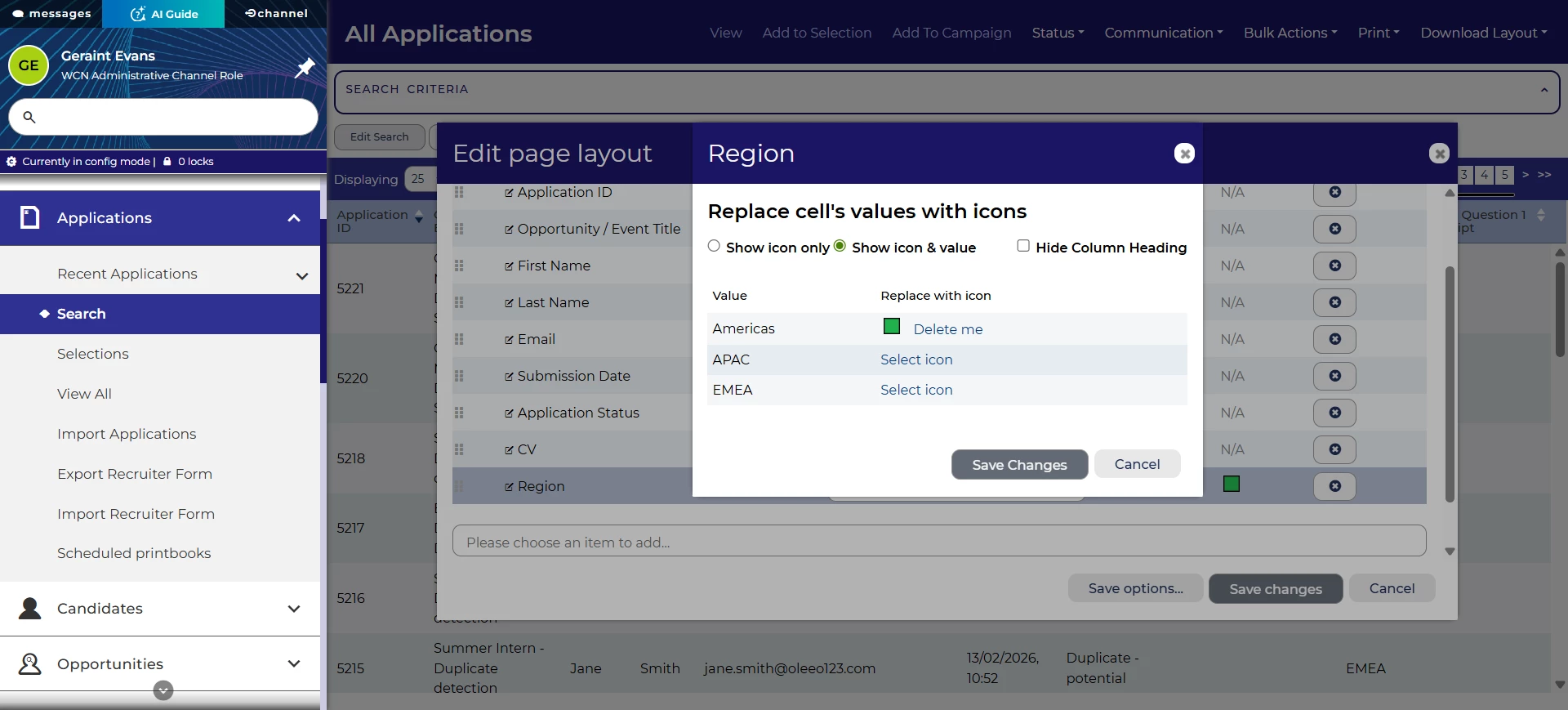
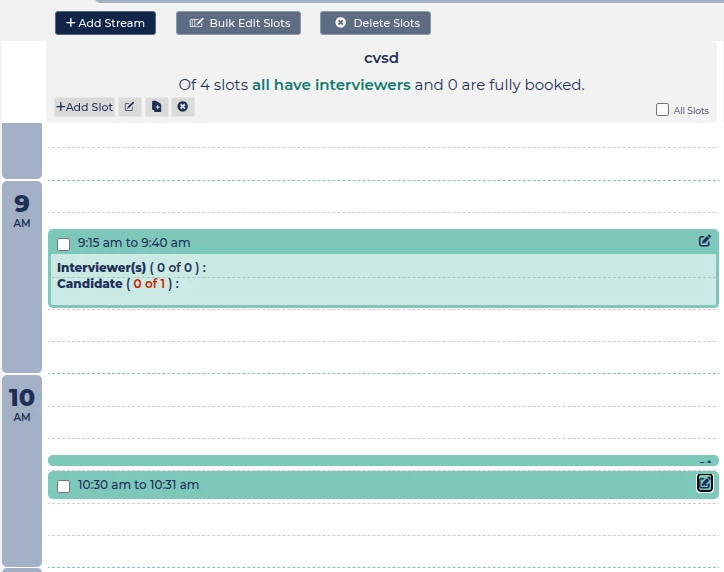
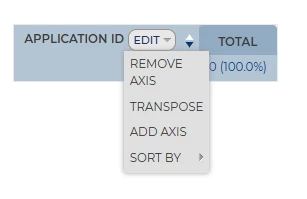
We’ve improved a range of user interface components to make sure they can be accessed through keyboard navigation. These include:
- Adding icons to a table layout.
- Interview slots that are a small length of time.
- Dropdowns in editing reports
We’ve also improved the two way communications inbox widget so that all elements have accessible names.
FIXES
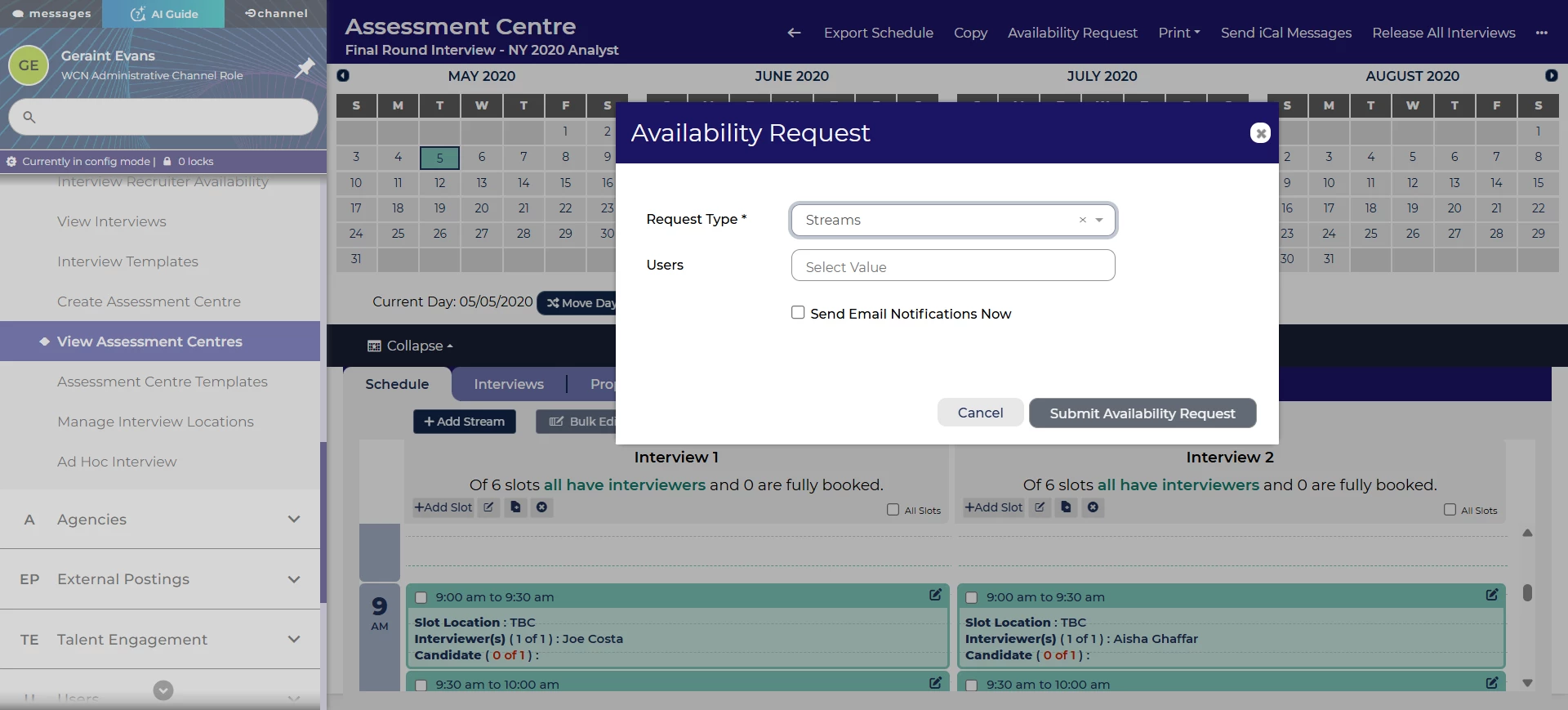
Fix interview availability request email notifications
As part of our interview functionality, you can request availability from interviewers to ensure that the slots are filled. You can choose whether you would like to send an email to the interviewers. We’ve fixed an issue where interviewers receive this email, even if the email wasn’t requested.
Inconsistent ordering for job board search results details
Sometimes when searching on job boards, the fields presented to candidates appear in a different order for each result. We’ve fixed this so that they display more consistently.
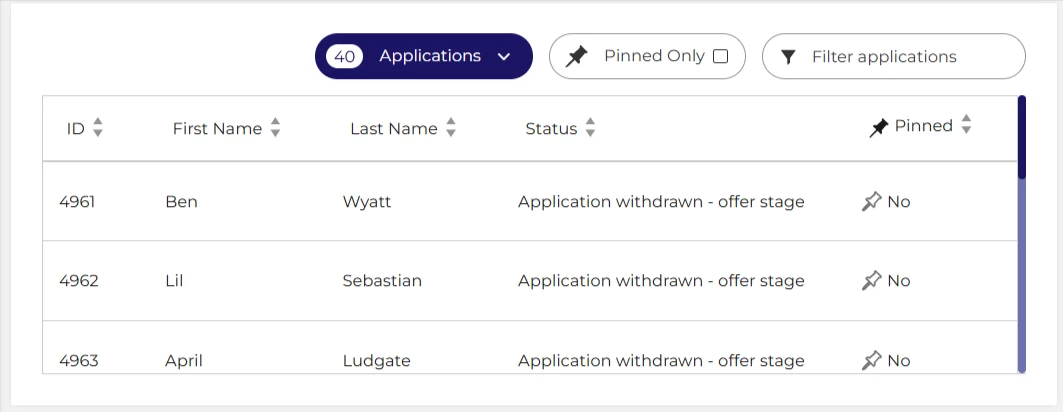
Fix searching by ID in application list widget
We’ve fixed an issue with the searching on the vacancy dashboard widget showing the list of applications. You’ll now be able to search by ID.
Fix issue with adding dynamic auto scores when editing a form section
We’ve also fixed an issue that prevented you from adding a dynamic auto score to a form item when editing a form section.
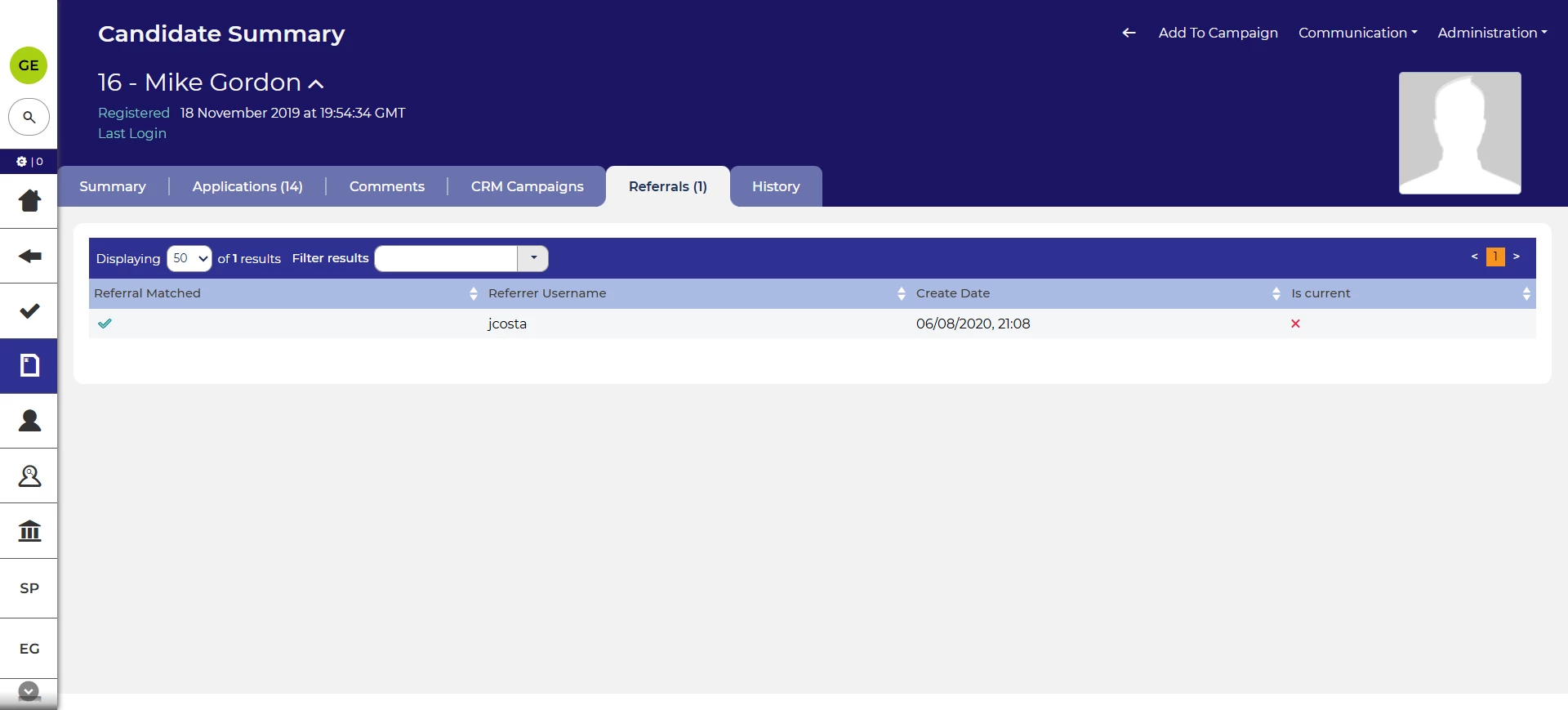
Ability to access referrals from candidate summary screen
When viewing a candidate’s referrals on the candidate summary screen, you can now click through into the details of the referral. This gives the same convenience that you’d get from viewing the list of referrals on the application summary screen.
These changes were released on 1st April 2026 in version 3.417
💡 The lightbulb icon indicates the feature was based on customer feedback
⚙️ The gear icon indicates a configurable change.
All new features and fixes will automatically appear in your system, unless they are marked as a configurable change. To have a configurable change applied to your system please speak to your Customer Success representative or email customersuccess@oleeo.com. You can also raise a Change Request case in the portal.

