




v3.416 Release Notes 18th March 2026
NEW
Simpler UI for job board configuration
We’ve changed the user interface for job board configuration. More fields are now be hidden unless the user needs to see them. This means less cognitive load and a clearer screen.
Improved page title for Talent Engagement pages
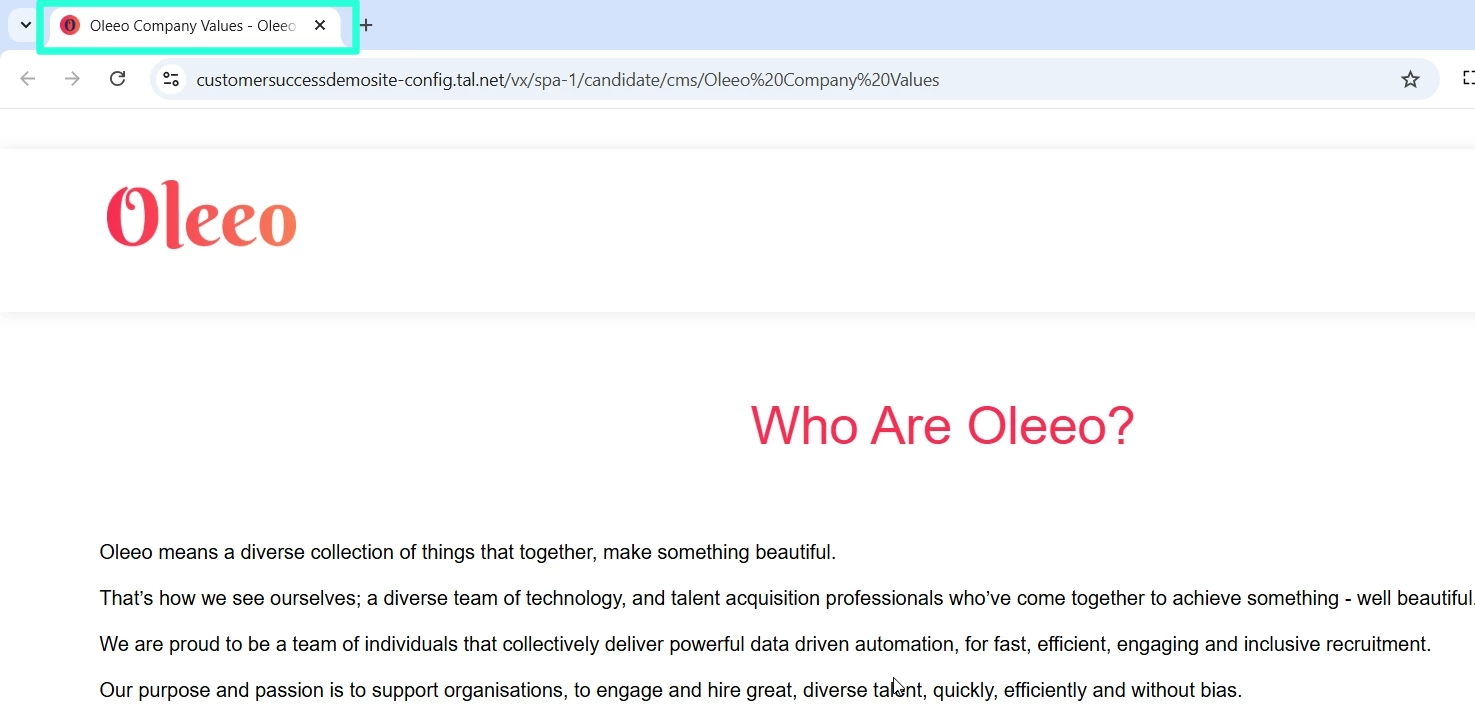
For application centre pages created through the Talent Engagement functionality, the page title defined in Oleeo Recruit is now shown to candidates in browser tabs.
Datapaths for form creators usable in table layouts
We’ve allowed the datapath for the creator of a form to be used in table layouts. This makes it easier to report on which user created specific forms.
This datapath is application.form_sessions.form:XXXX.creator.full_name where XXXX is the ID of the form.
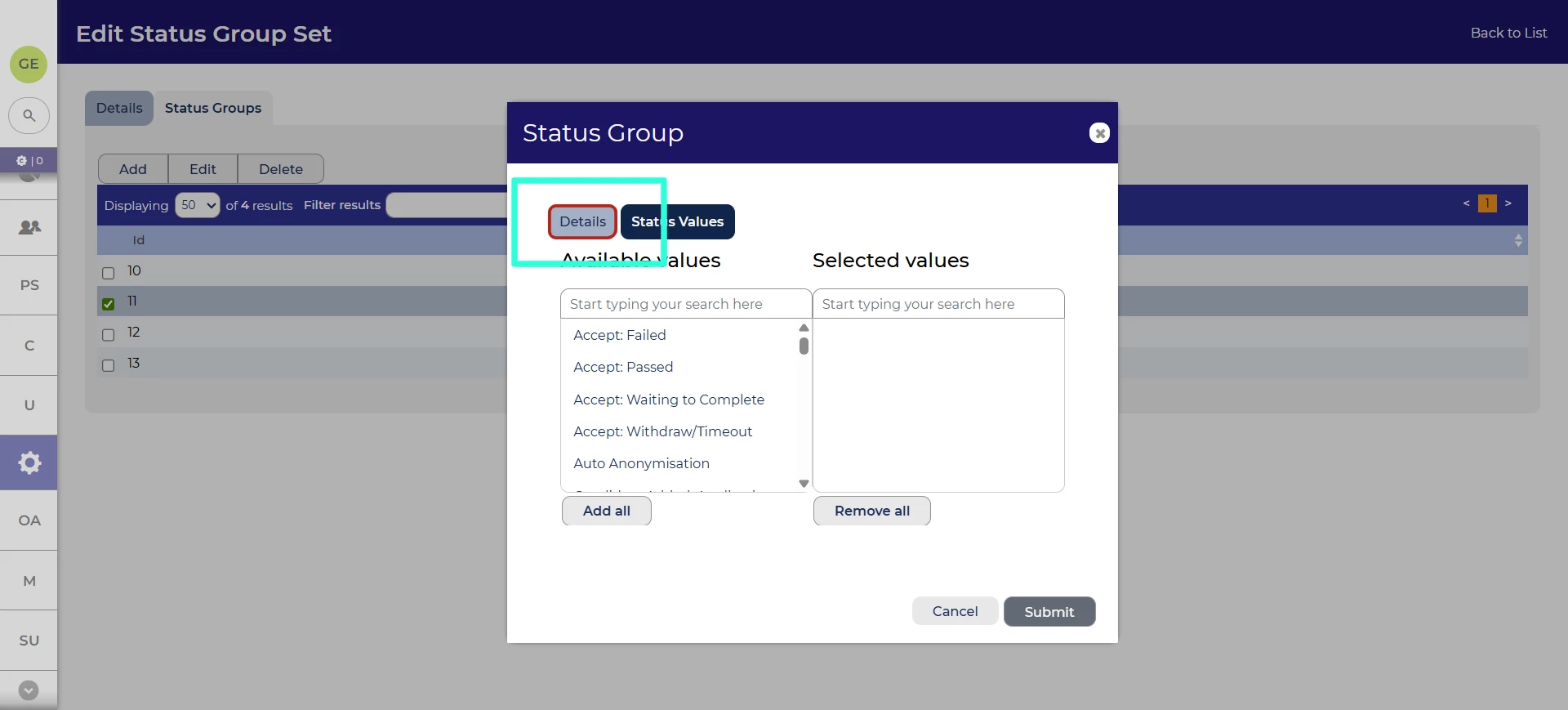
Clearer error signals when adding statuses to status groups
We’ve made an improvement to the adding of statuses to status groups. If a tab is missing mandatory fields when trying to submit, the tab will be highlighted so it’s clear where the error is.
Updates to login and security UI 💡
We’ve made a couple of changes to our user interface to make certain security and login features clearer.
- For users on an SSO (single-sign on) system, they will no longer see a password reset interface, since their credentials aren’t managed in Oleeo Recruit.
- For candidates using two factor authentication (2FA), they will no longer see the options to login, reset password or create account on the page where they input their one time code.
Accessibility improvements
We’ve made it easier for screen reader users to understand when links in the navbar are not clickable.
These changes were released on 18th March 2026 in version 3.416
💡 The lightbulb icon indicates the feature was based on customer feedback
⚙️ The gear icon indicates a configurable change.
All new features and fixes will automatically appear in your system, unless they are marked as a configurable change. To have a configurable change applied to your system please speak to your Customer Success representative or email customersuccess@oleeo.com. You can also raise a Change Request case in the portal.

