




v3.413 Release Notes 4th February 2026

NEW
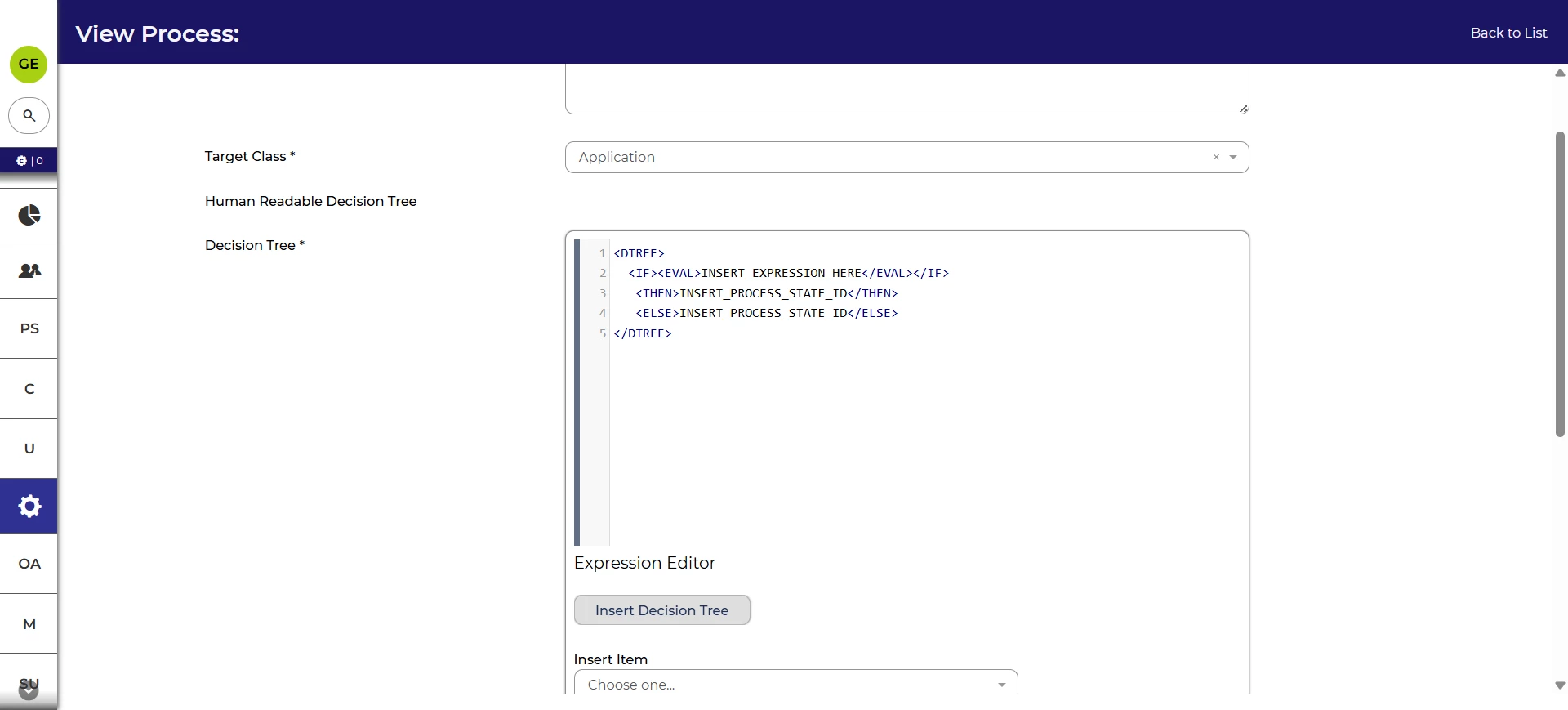
Insert template Decision Tree syntax
The Decision Tree syntax is used in configuration across Oleeo Recruit, including Decision Actions, Autoscores, and Visibility Rules in process flow rules.
We’ve added a button to the Expression Editor that will allow you to insert a template Decision Tree. This is context appropriate so will include relevant prompts depending on what you’re creating.
This saves having to remember the specific syntax and makes creating customised journeys quicker.
Accessibility improvements
We’ve made several changes to ensure Oleeo remains useable by all our customers.
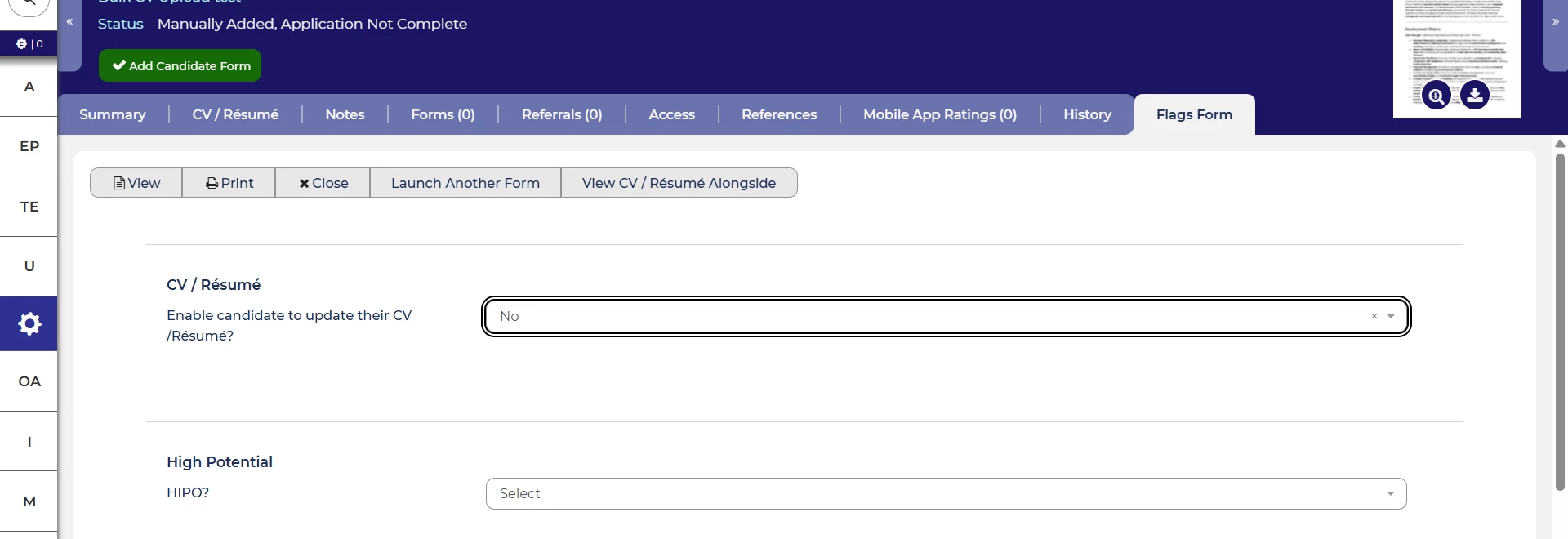
We have changed the default keyboard focus indicator. The extra bold keyboard focus indicator (shown below) remains a system configuration option.
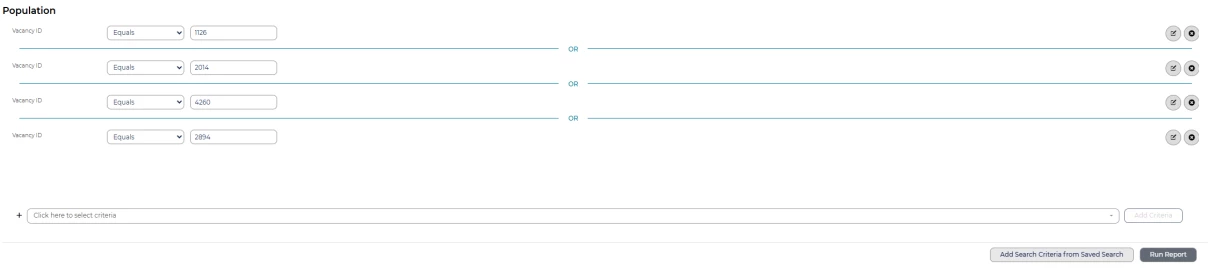
When creating or editing a report, we’ve improved the labelled for screen readers so that it’ll be clearer which of the interaction options (like edit, delete) belong to which criteria when multiple of the same criteria are used.
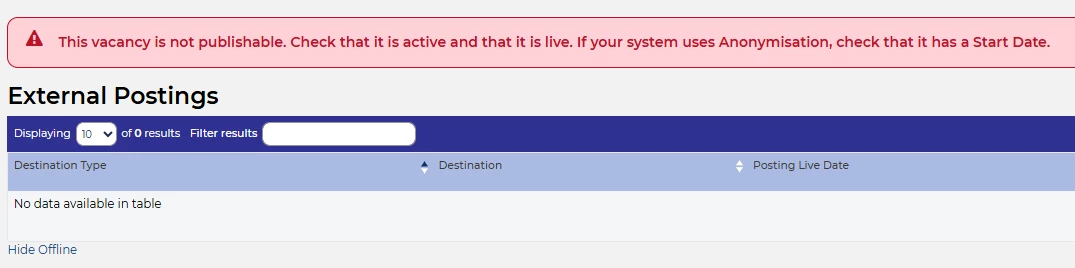
We’ve also improved the labelled for warning messages for screen reader users. This will ensure they have the same information as presented visually through the icon.
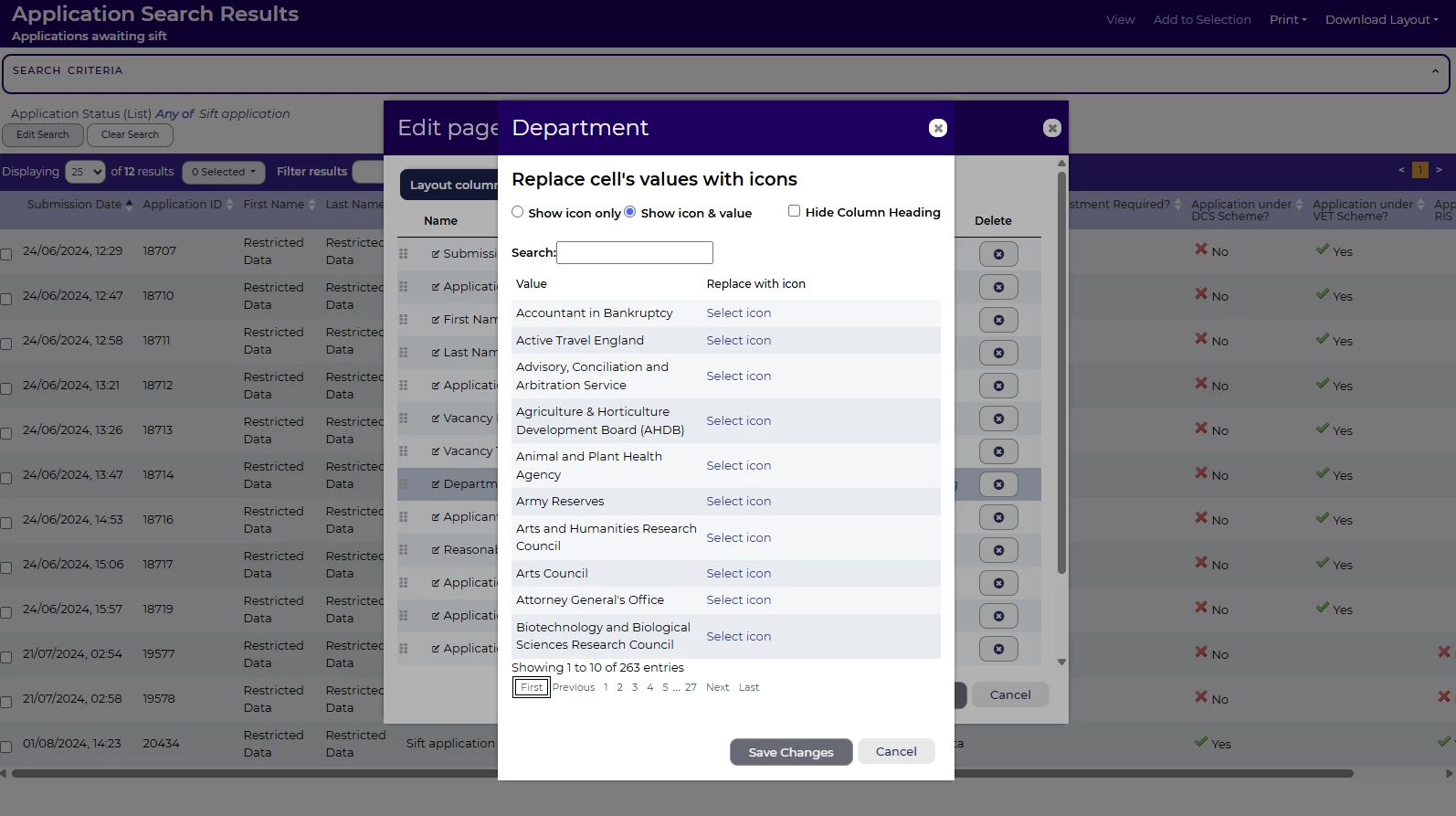
Finally, we’ve improved the experience for screen reader and keyboard navigation users by ensuring that, when there are multiple layers of modals with paged content, the top layer is the one that users can page through.
These changes were released on 4th February 2026 in version 3.413
💡 The lightbulb icon indicates the feature was based on customer feedback.
⚙️ The gear icon indicates a configurable change.
All new features and fixes will automatically appear in your system, unless they are marked as a configurable change. To have a configurable change applied to your system please speak to your Customer Success representative or email customersuccess@oleeo.com. You can also raise a Change Request case in the portal.

