




TIP TUESDAY! - Success Summit 2026: 9 Best Practice Tips To Get Even More Out Of Oleeo

WHAT IS THE TIP?
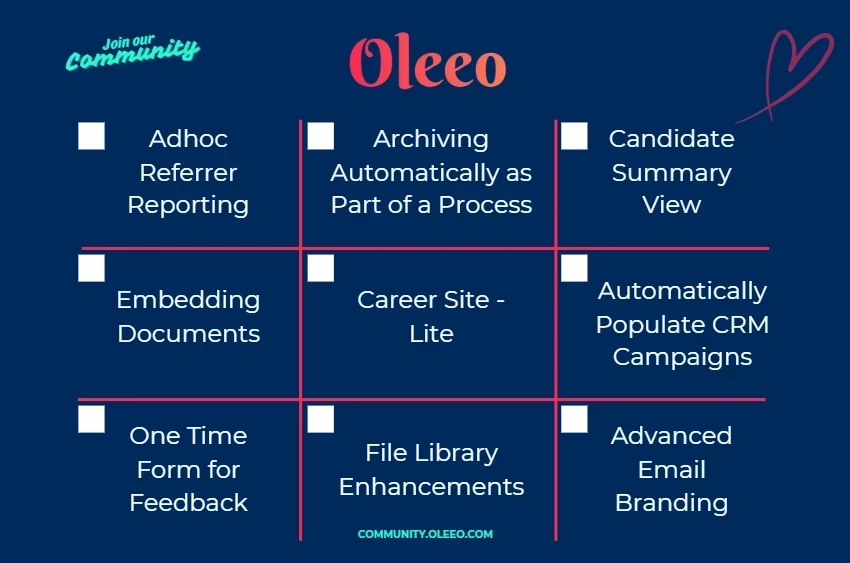
💡At our recent Success Summit, Best Practice Bingo was back by popular demand. We shared 9 practical tips and hidden gems designed to help customers work smarter, save time and get even more value from Oleeo.
Whether you joined us at the event and would like a refresher, or couldn't make it this time, here's your opportunity to explore all nine tips in one place.
Tip 1: Ad hoc Referrer Reporting
💡Optimise Job Board Spend: Use ad hoc source tracking and custom URLs to monitor application volumes across Indeed, LinkedIn, and manual postings to easily measure recruitment campaign ROI.
Tip 2: Archiving Automatically as Part of a Process
💡Keep Data Tidy: Streamline your data hygiene and prevent clutter by setting up automated triggers to deactivate vacancies the moment they are no longer relevant.
Tip 3: Candidate Summary View
💡Streamline Recruiter Views: Customise the Candidate Summary within the Application view using table layouts or dynamic forms to centralise key data and eliminate unnecessary digging.
Tip 4: Embedding Documents
💡Centralise Document Access: Embed uploaded and system-generated documents directly into forms, table layouts, and candidate summaries to eliminate searching and save team time.
Tip 5: Career Site - Lite
💡Optimise the Homepage Experience: Leverage your homepage real estate to refresh your employer brand and simplify the job-search journey for candidates.
Tip 6: Automatically Populate CRM Campaigns
💡Automate CRM Pipeline Actions: Set up process actions and saved searches across recruitment, talent pool, and event flows to automatically add or remove candidates based on their journey status.
Tip 7: One Time Form for Feedback
💡Simplify Off-Portal Data Collection: Deploy One Time Forms to securely gather candidate feedback, compliance data, or follow-up screening responses directly to the application record without requiring a login.
Tip 8: File Library Enhancements
💡Centralise Shared Assets: Utilise the enhanced File Library hub to securely store, manage, and seamlessly attach essential documents and assets directly to candidate communications.
Tip 9: Advanced Email Branding
💡Elevate Email Communications: Utilise advanced edit templates, source code, BBCode, and structured HTML to build highly professional, branded, and automated candidate emails.
😊 How many boxes did you mark towards a Bingo blackout? Which one is your favourite? Which one will you implement next?
Speak with your Customer Success Manager to discuss how these features could support your recruitment processes.

