




TIP TUESDAY! Say It All With An Embedded Video

WHAT IS THE TIP?
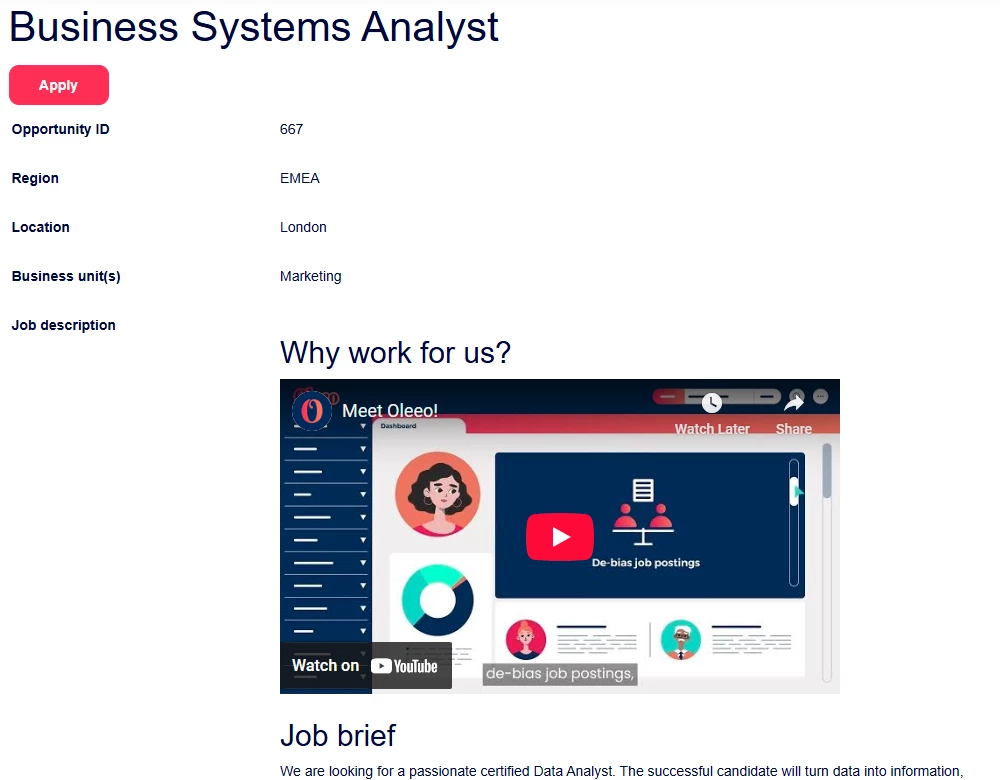
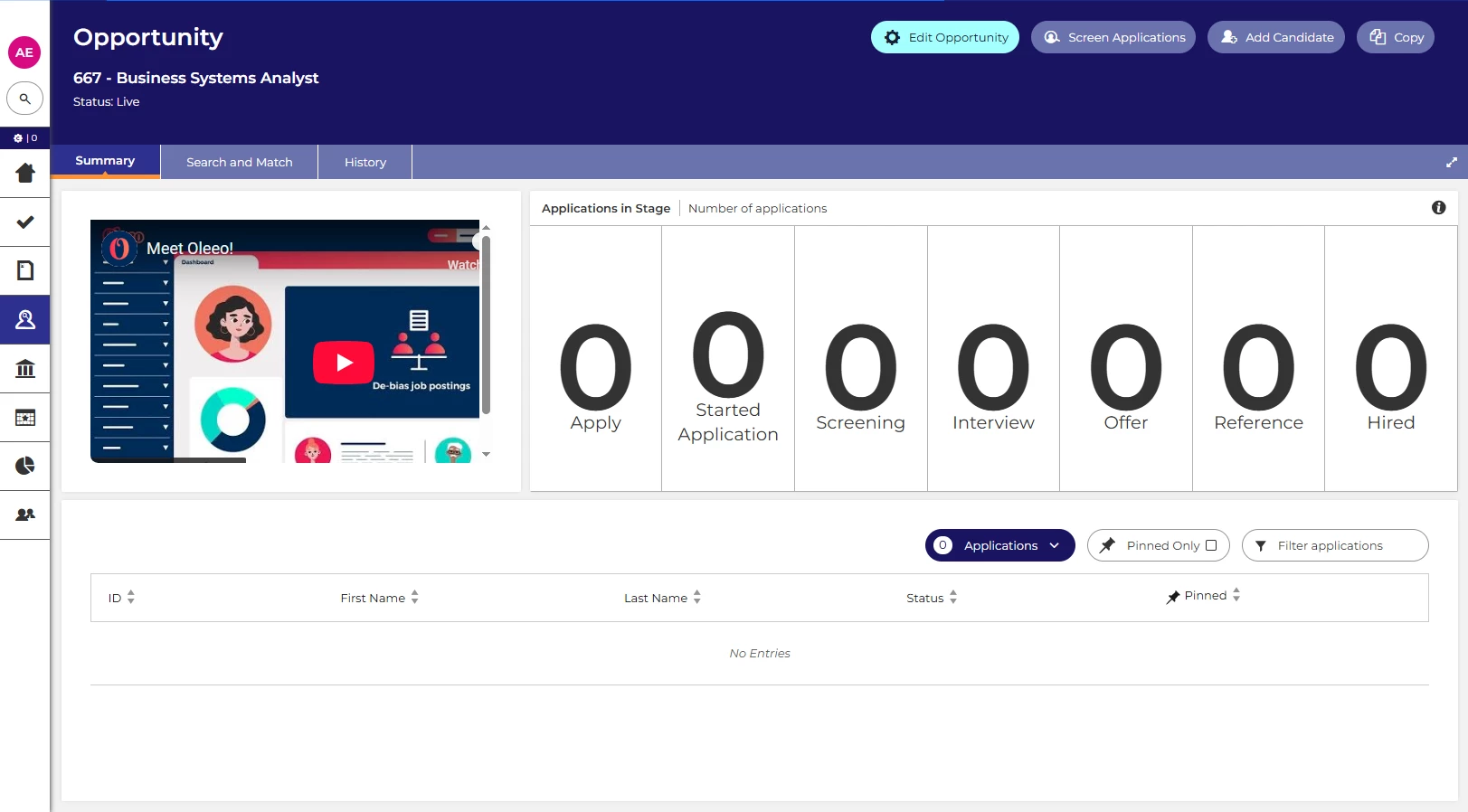
💡 Did you know you can embed videos in both your candidate facing pages as well as in your internal facing system?
Stand out from the crowd by showing video content (from providers like YouTube) in your job adverts on your Oleeo job board(s) to catch your candidate's eye, or embed instructional videos into dashboards/homepages for your internal users to elevate their experience and allow them to self serve.
Candidate view
💡 Candidates are applying for many roles nowadays, how do you get them to apply for yours? If you are seeing traffic reaching your job board with Google Analytics but are not receiving a similar numbers of applications, adding content that sells the organisation culture to them could help to encourage them to apply.
🔧 Use case: Including videos of “Why work for us?” in the advert can increase the chances of candidates applying to the role.
Recruiter view
💡 System users, including hiring managers, can also benefit from content like short informational videos embedded directly into their dashboards using the notes widget or the rich text component.
🔧 Use case: Video content that guides hiring managers through each stage of the vacancy process can help improve the quality of requisitions, job adverts, application screening, interviews, and offers.
😊 What’s your approach to encouraging candidates to apply or supporting system users? Let us know in the comments!
BENEFITS
-
Targeted videos on adverts can encourage the right candidate to apply.
-
Reduces time to hire - with the right candidates applying and short guidance videos for system users.
-
Improves quality - good practice is to regularly review/train any people involved during the recruitment process, to ensure a fair and non-bias process. Including short guidance videos can form part of that review/training for hiring managers to ensure everyone is hiring the same way.
-
Ensures consistency in training and guidance provided to system users.
CONSIDERATIONS
- If you're content is stored locally, you will not be able to embed it.
- You will need to have the “insert/edit media”
 embed icon enabled on your text editor.
 - To embed video content for system users you will need access to the Homepage Config and Widget Layouts within the Configuration menu within the configuration environment.
COSTS
If you would like to configure this yourselves you will need level 2 configuration training.
Alternatively, Oleeo can complete this work with a time and materials cost associated.
NEXT STEPS
Raise a case to our delivery team or speak to your Customer Success Manager for further information.
ADDITIONAL INFORMATION:
Here is a reminder for how to make changes to your dashboards and our Google Analytics feature:

