




TIP TUESDAY! CUSTOMER TAKEOVER - Make Dashboards and Table Layouts Work Harder with Icons

 Lorna Allison | CUSTOMER TAKEOVER: A BIG thank you to Lorna, HR Specialist - eRecruitment Systems at Police Scotland, for putting this tip together! |
WHAT IS THE TIP?
💡 Hello everyone! Police Scotland are happy to be taking part in the tips & tricks post this week sharing an idea we came up with to make our dashboards efficient.
We make life a bit easier for our recruitment teams by adding icons to our table layouts and summary views.
Why Bother With Icons?
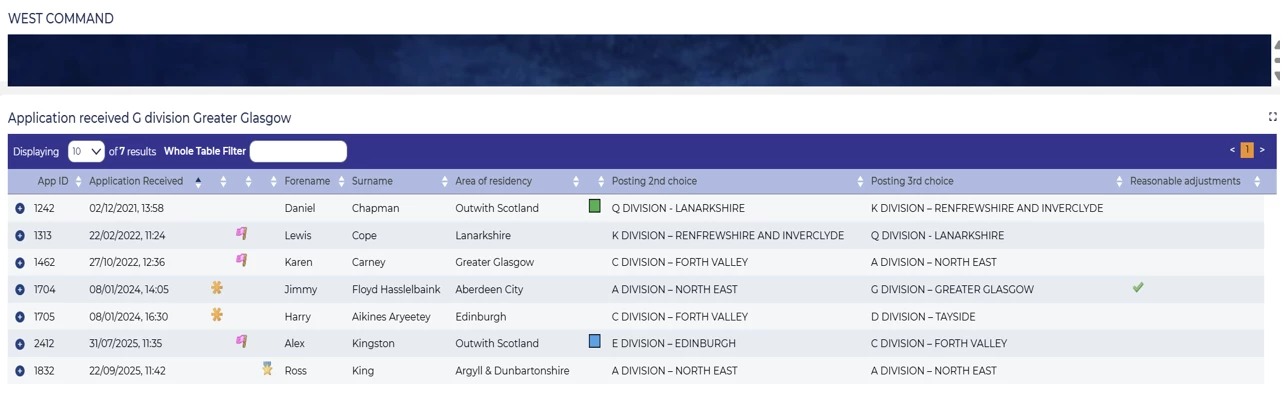
💡 Because they are a quick way to see certain applicants to help prioritise. When you are dealing with a wall of applications on a dashboard, a little visual marker in a table layout can help instantly see what’s important, without needing to click into the application first.
How to set it up
Here’s a simple way to bring icons into your dashboards:
- Decide what’s worth highlighting - What do recruiters want to know at a glance?
Common examples for us are new applications, priority candidates, specialist pathways for military applicants, locations out with Scotland locations.
- Pick the right icon for the job, making sure they are easy to understand and keep them consistent ie don`t use the same icon for multiple categories. Some suggestions:
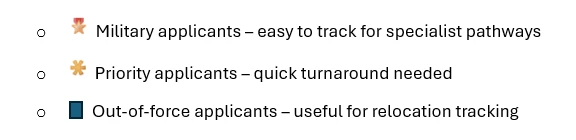
- Add them to your table layouts or summary pages
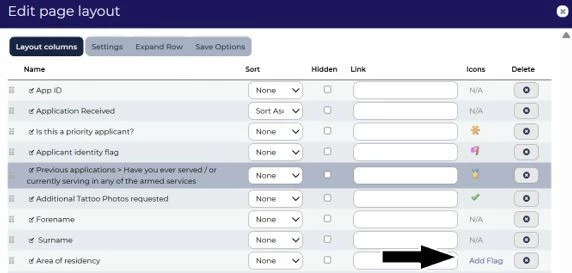
Place icons in the table layout view. We have hidden the values and column heading so that only the icon shows to keep it neat.

Repeat them in summary dashboards so the whole team sees the same quick visual alerts.
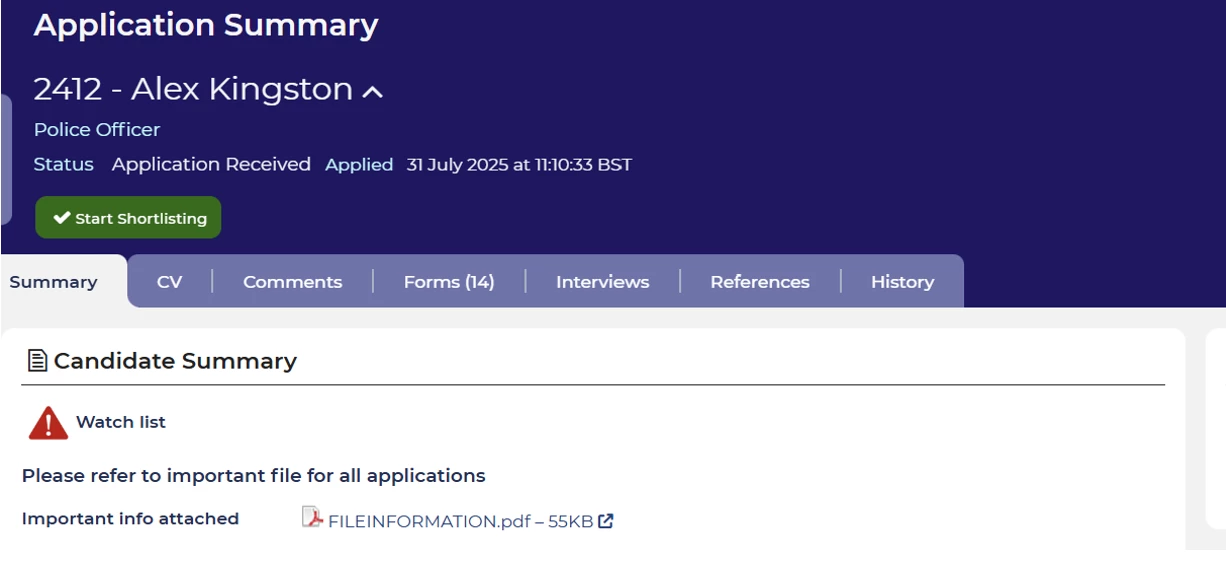
📌 Pro Tip: We have also extended this same principle to our applicant summary pages for the candidate alert function. If we have an alert for an applicant we want to highlight across all our teams as there is important information relevant across any application, we highlight with a visual cue by using an image. Our process is called `watch list` but can but can be named in line with what it is used for.
The image can be made to appear by an autoscore or item being set to yes in a form or layout.
Hope this tip and trick was useful. We are happy to be contacted further if any more information is needed.
😊 What examples do you have where you have added symbols to your table layouts? Where have they added value and made it easier to review information?

