




TIP TUESDAY: Button Up Your Candidate Experience

WHAT IS THE TIP?
💡 Instead of just having brilliantly named buttons to guide your candidates through the process, you can add a touch of personalisation too!
Wherever you have a candidate facing button, you can include a data path into the name to personalise the message that is displayed.
Personalise Your Call to Action Buttons
💡 Add a personal touch by including information that is specific to your candidate within your call to action buttons.
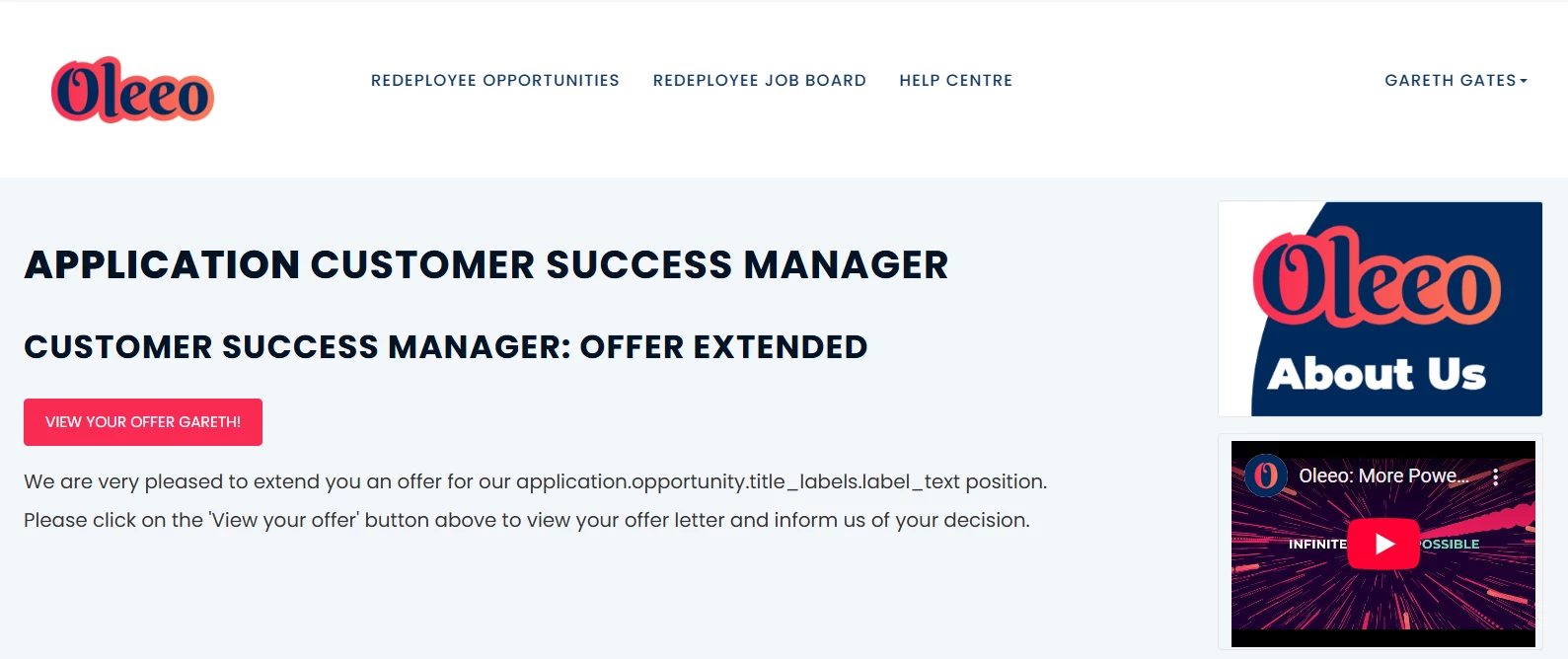
🔧 Use case: You could include your candidate’s name within a button to encourage more interaction, such as inviting them to an interview or presenting them with their offer.
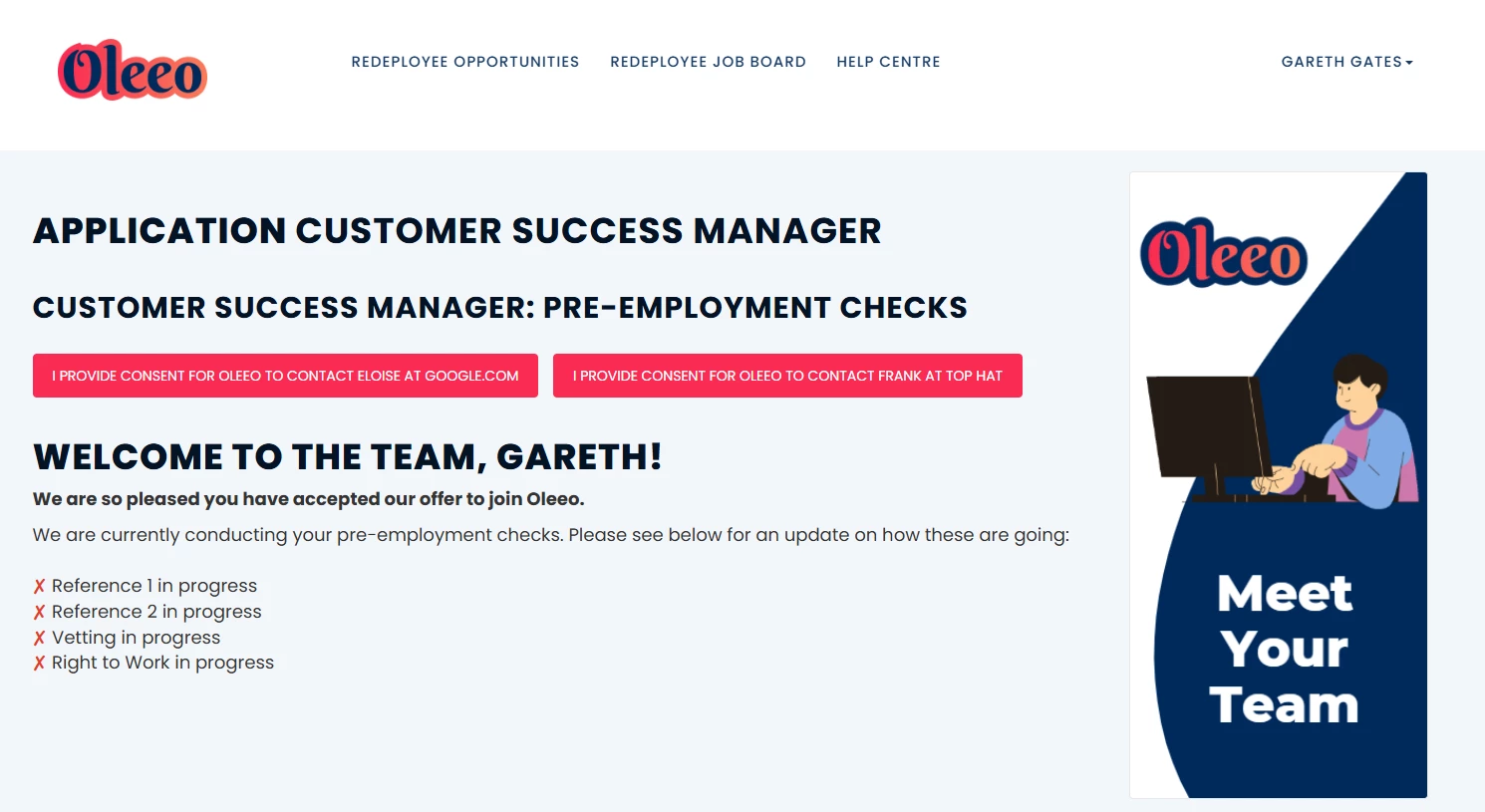
🔧 Use case: You could present specific information which is relevant to them at this point in their recruitment journey with you, such as inviting them to confirm consent to contact a referee.
📌 Pro Tip: Every year or so, set aside time to review all your candidate facing communications (emails, status values, or button messaging etc.) to ensure you're engaging with candidates in the best way possible.
😊 Have you got any ideas for how you may use this feature? Share them with your peers!
BENEFITS
- Increase engagement and enhance the candidate experience.
CONSIDERATIONS
- Some data paths have not been tested, if you have a unique idea that you would like to try, please test it first.
- This currently only works on the candidate facing buttons (not yet on the recruiter side).
- You will need someone with a level 3 configuration certification to make these changes.
COSTS
- This feature is part of the standard product offering.
- If you need Oleeo to make the changes for you then an estimate can be put together by our delivery team.
NEXT STEPS
Please reach out to our Support Team if you need help.
If you need Oleeo to make these changes for you, please submit a change request via your Sugar Portal.
You can also speak to your Customer Success Manager for any advice.
ADDITIONAL INFORMATION:
For more advice on enhancing your candidate experience check out this webinar:

